1
Open the logs
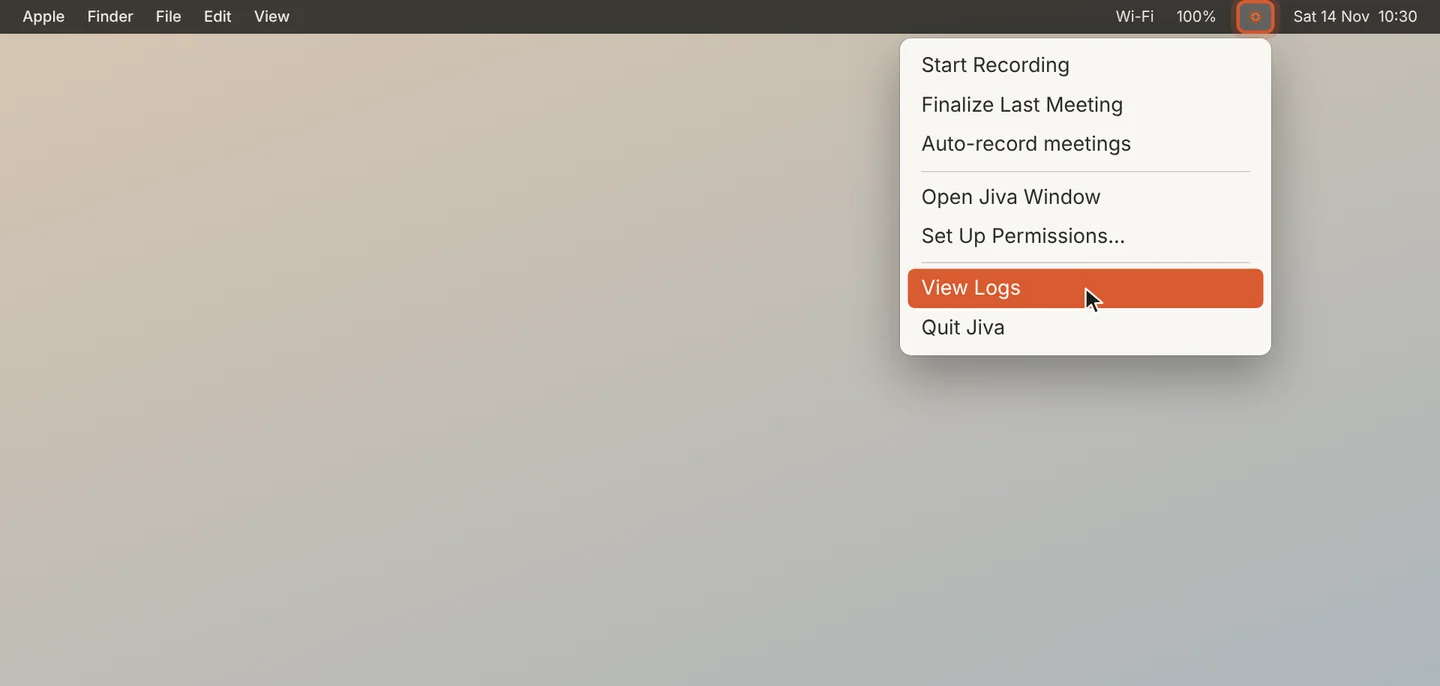
Click the lotus in the menu bar and choose View Logs. Finder opens the logs folder.
2
Find your version
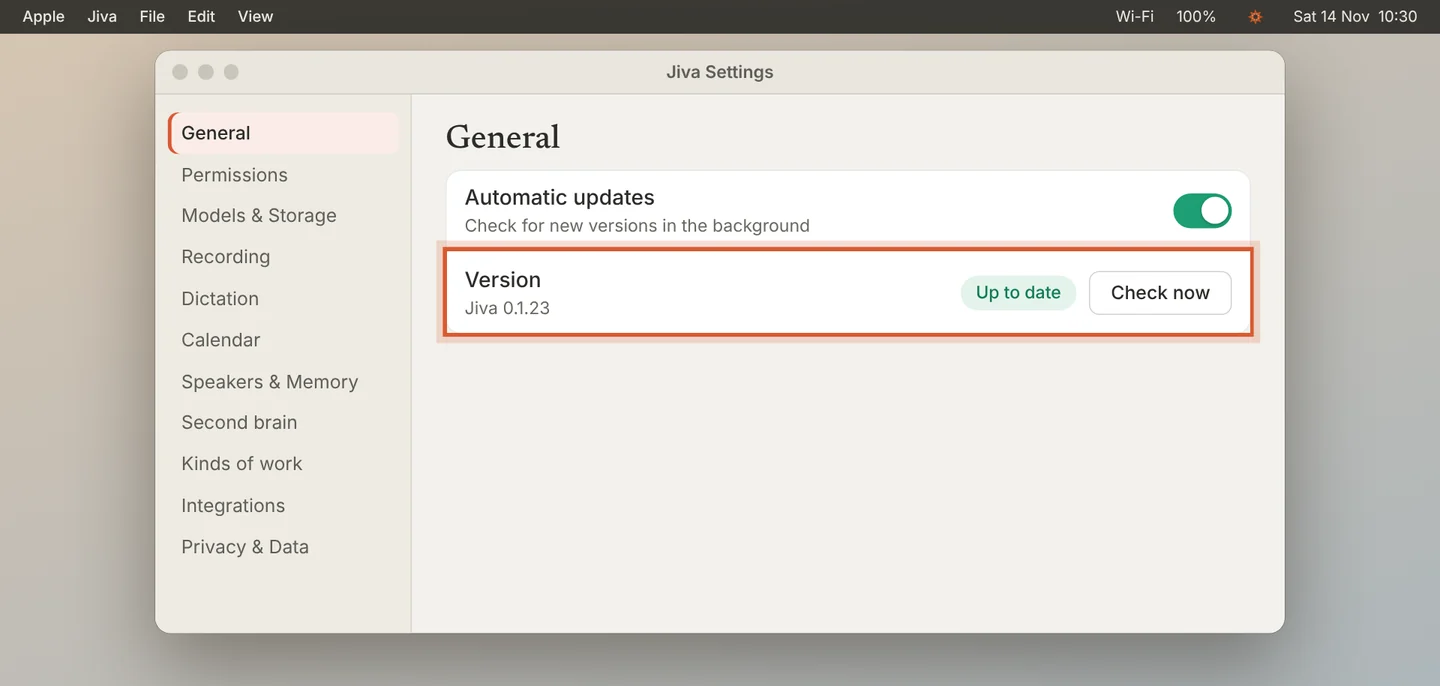
Open Settings, then General. Version shows the Jiva version you have. The lotus menu shows it too, at the bottom.
3
Write to us
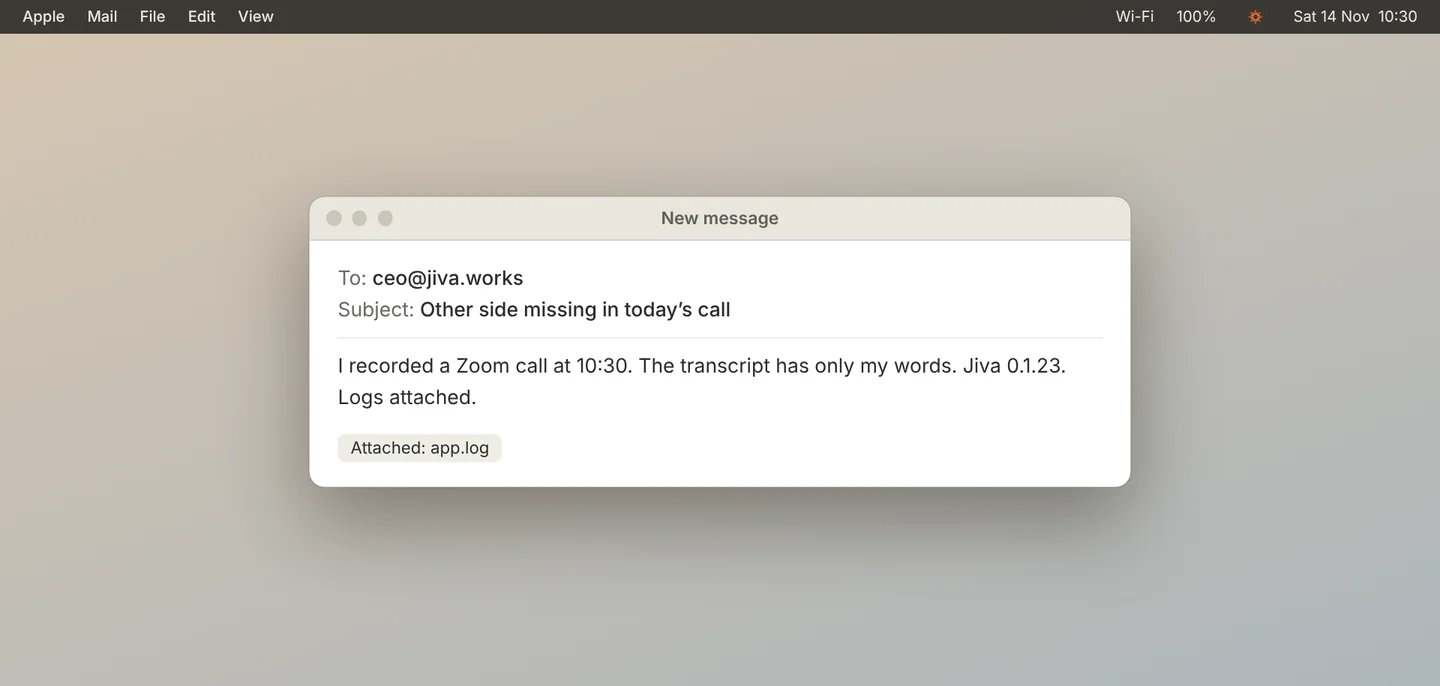
Open the chat at the bottom right of any help page, or write to ceo@jiva.works. Say what you did, what you expected, and what happened. Attach the files from the logs folder and give your version.
Good to know
Logs record what Jiva did, with times. They can include meeting titles and file names. Read them before you send them if that matters to you.
If something goes wrong
The log folder is empty
Reproduce the problem once, then open the folder again.