Open Integrations
Open Settings, then Integrations. Jiva lists the AI apps it finds on your Mac.
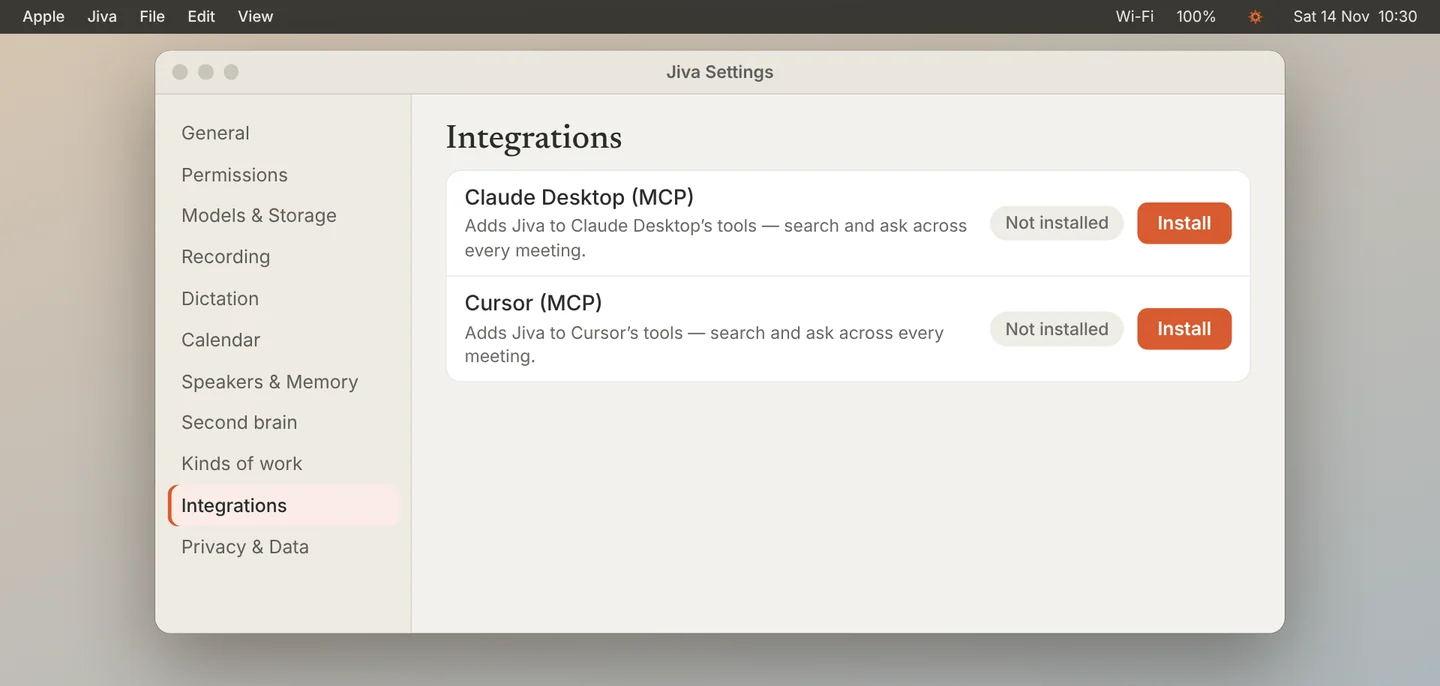
Click Install
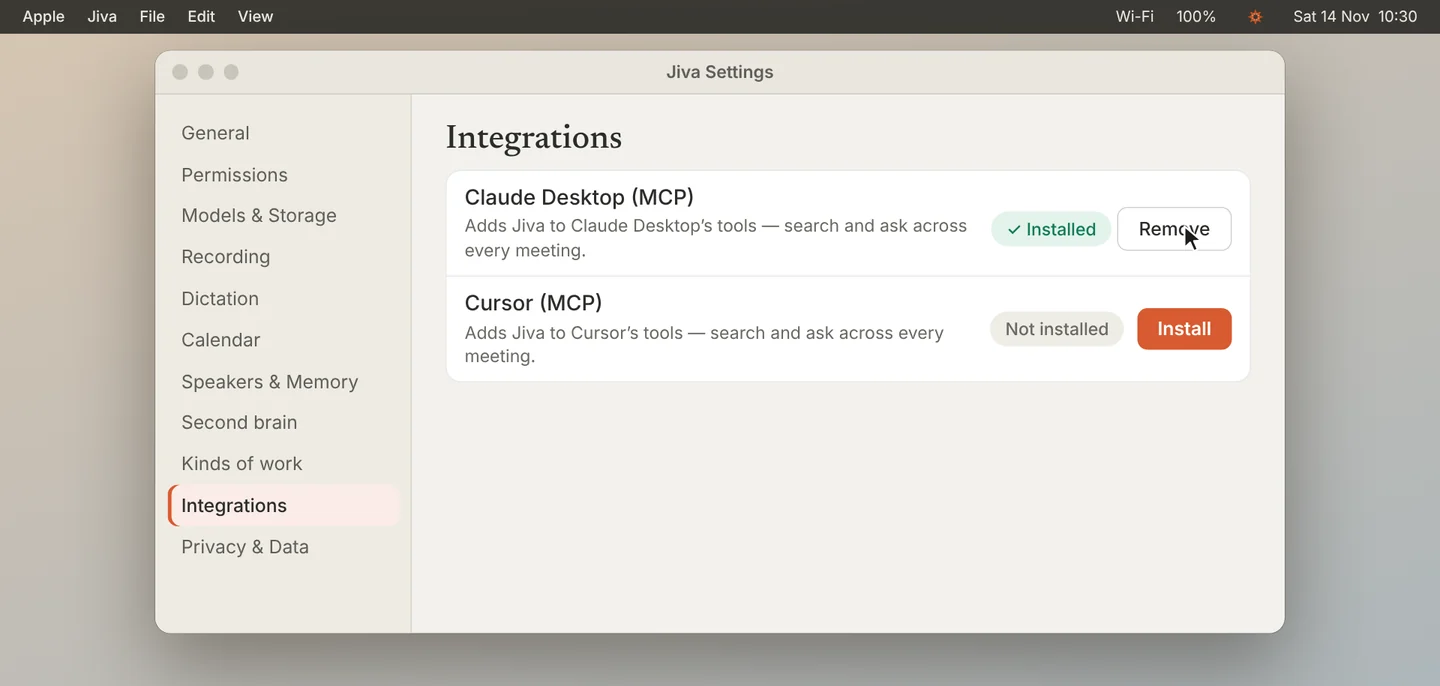
Click Install next to the app. The row changes to Installed.
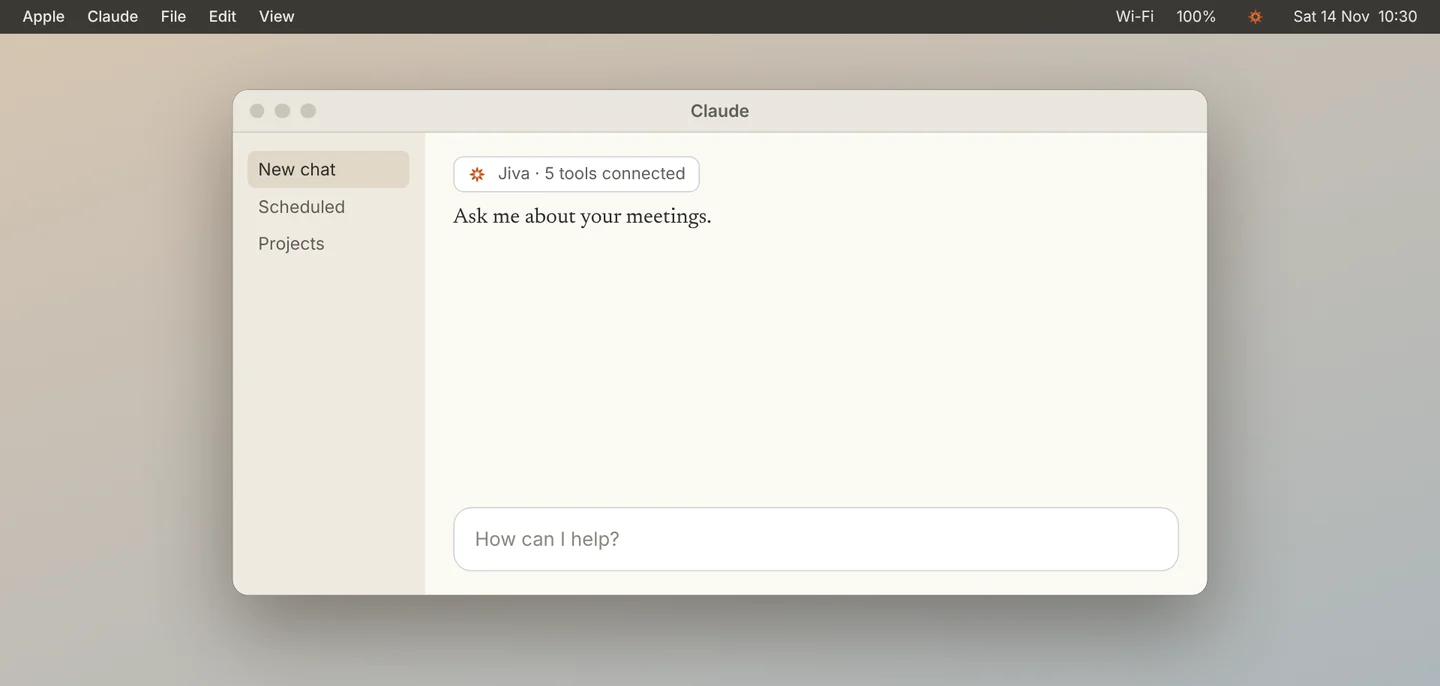
Restart the app
Quit the AI app and open it again. It loads Jiva’s tools when it starts. New meetings appear by themselves after that; you do not restart again.
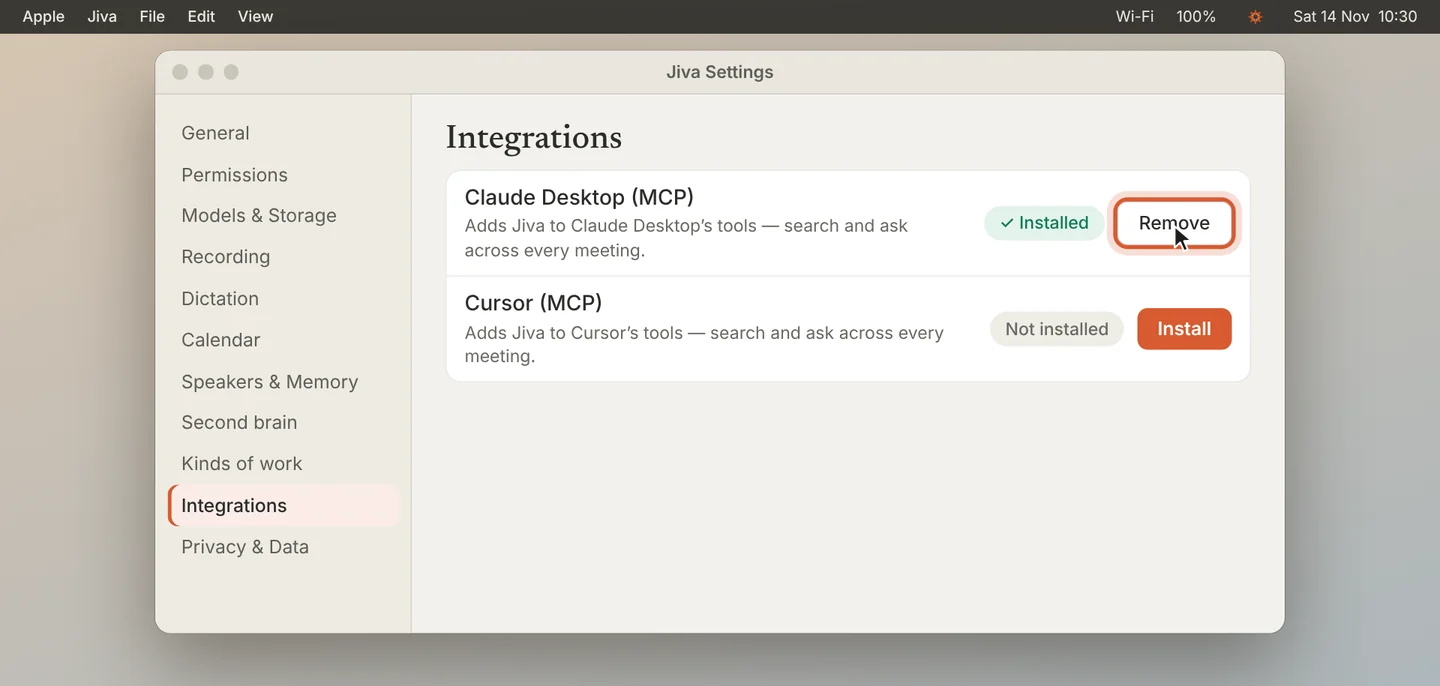
Remove it when you want
To disconnect, click Remove on the same row and restart the app.
The connection is on your Mac and stays off until you install it. When the app answers a question, the parts of a meeting it reads are sent to that app’s AI. That is the one place your notes leave your Mac, and only when you ask.
If something goes wrong
The app does not show Jiva’s tools
Quit the app fully and open it again. In Settings, Second brain or Integrations, click Restart Claude if Jiva offers it.
My app is not listed
Jiva lists the apps it finds: Claude Desktop, Claude Code, Cursor, Windsurf, VS Code and Codex. ChatGPT is not supported yet.