Needs
Jiva connected to your AI appAsk
In plain wordsSent
Only the passages it reads1
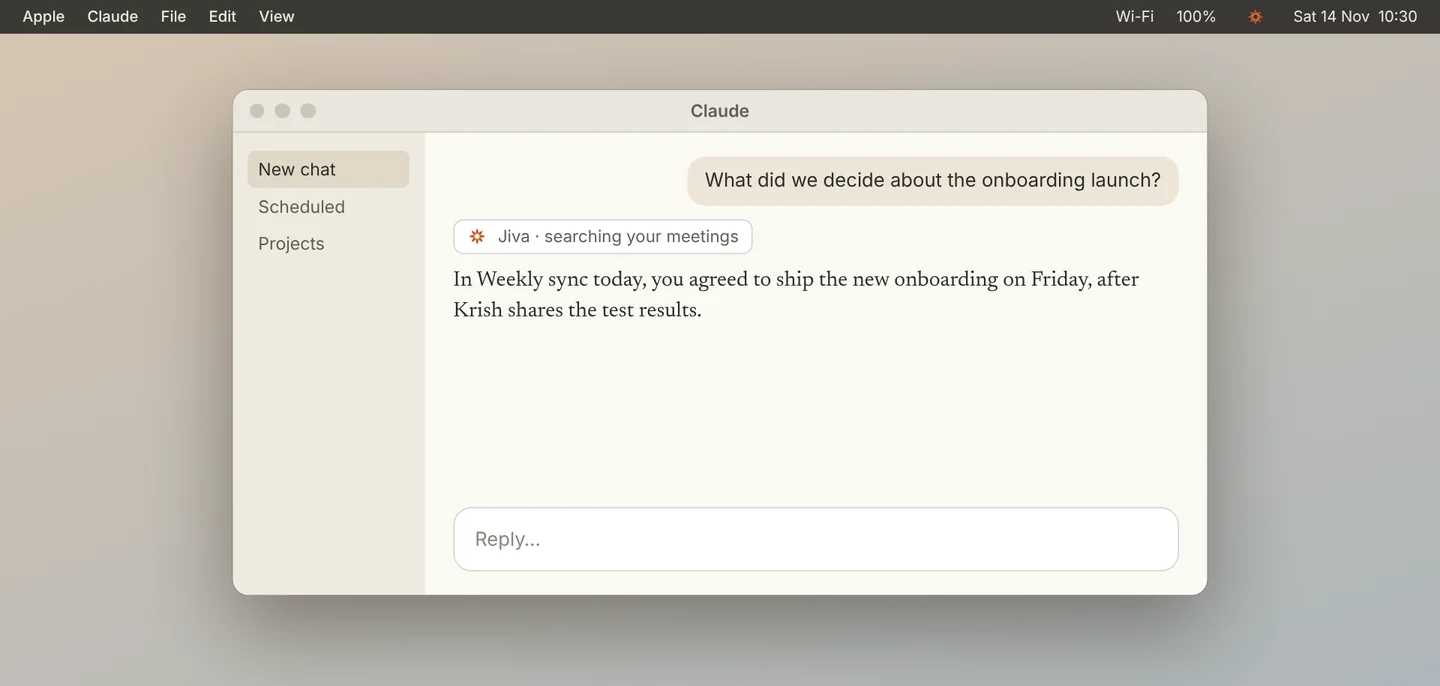
Ask what was decided
In Claude, ask a question about a meeting, in your own words. Claude uses Jiva’s tools to search your meetings and answers from what was said.
2
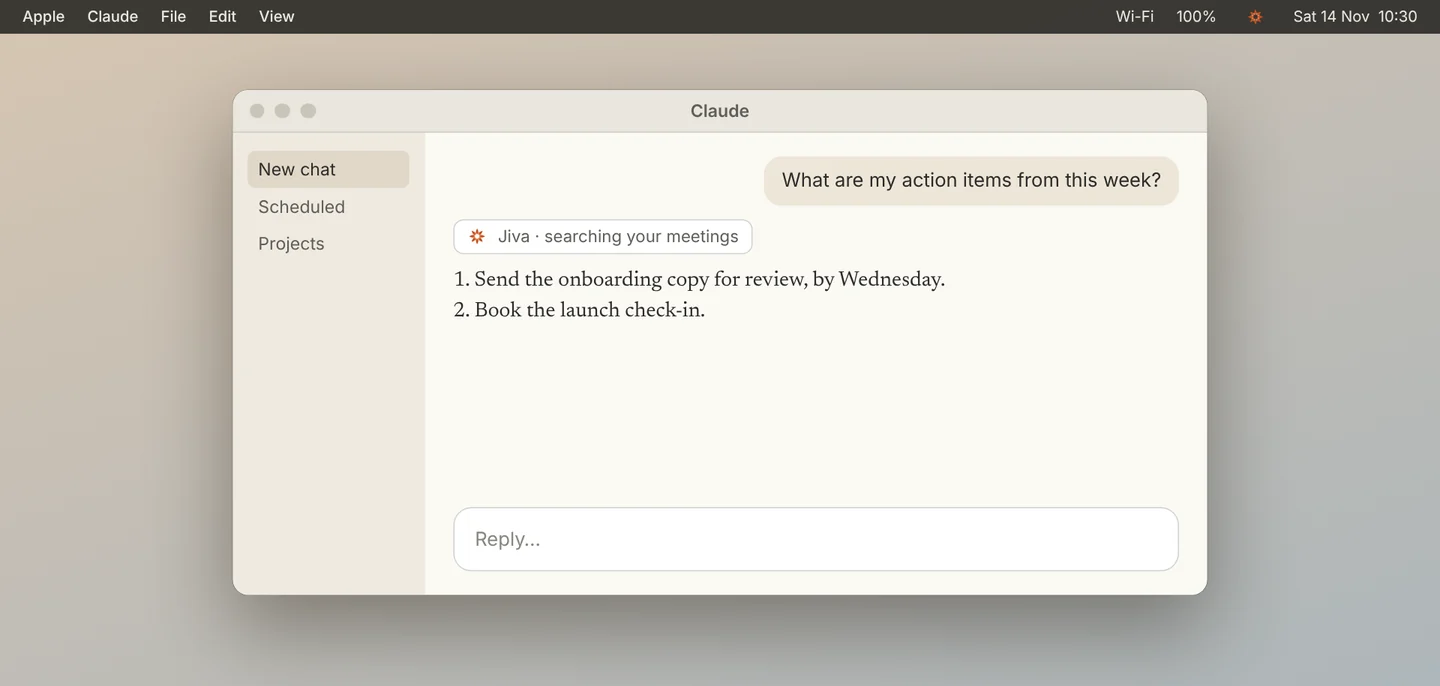
Ask for your action items
Ask for the action items from a meeting or from a week. Claude lists them with their owners.
3
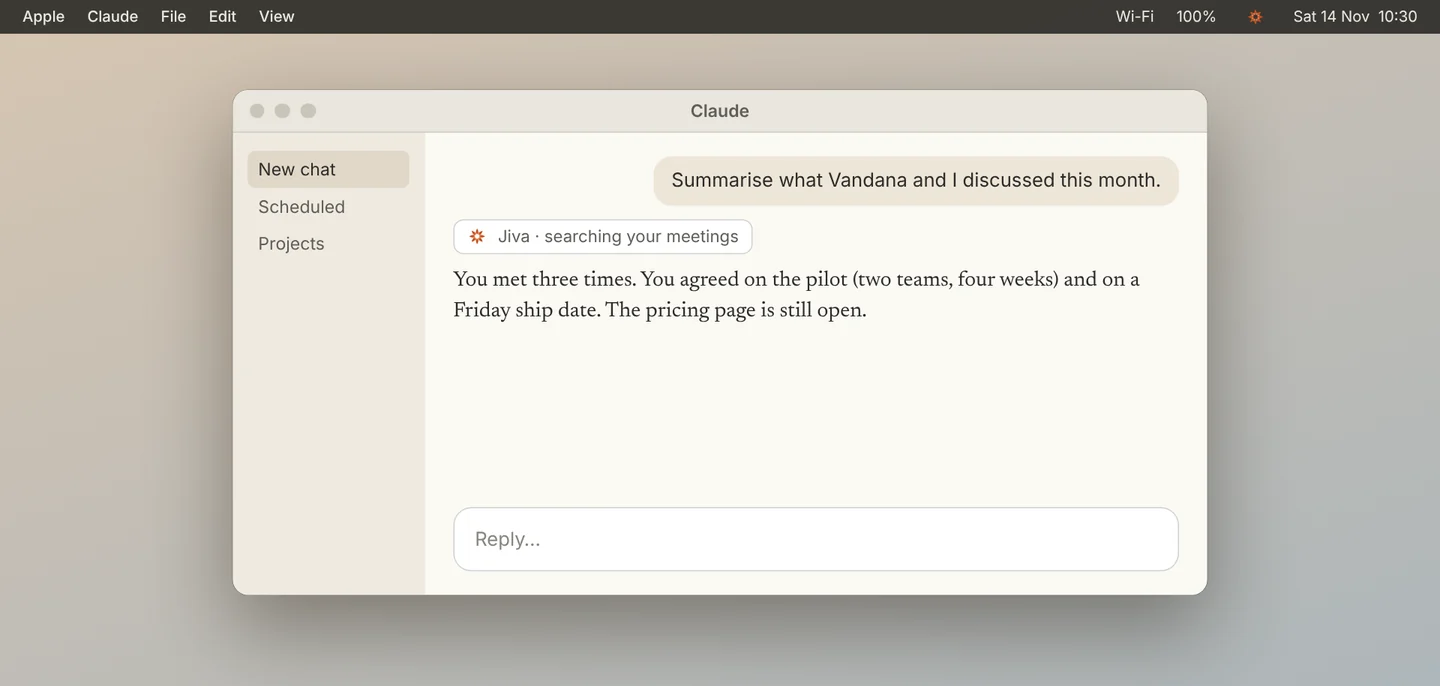
Ask for a summary
Ask for a summary of a meeting, or of everything you discussed with one person.
Good to know
The parts of a meeting that Claude reads to answer are sent to Claude. Everything else stays on your Mac. With the second brain on, you can also say “prep me for Krish” before a meeting.
If something goes wrong
Claude says it cannot find Jiva
Connect it first: see Connect Jiva to Claude. Then restart Claude.
The answer is about an old meeting
Name the meeting or the day in your question, for example “in today’s Weekly sync”.
Did this guide help?
Next topic · Privacy and data
What stays on your Mac →0:55 video · 4 steps