Key
Right ⌘, or the key you chooseWorks in
Any appAudio
Never saved1
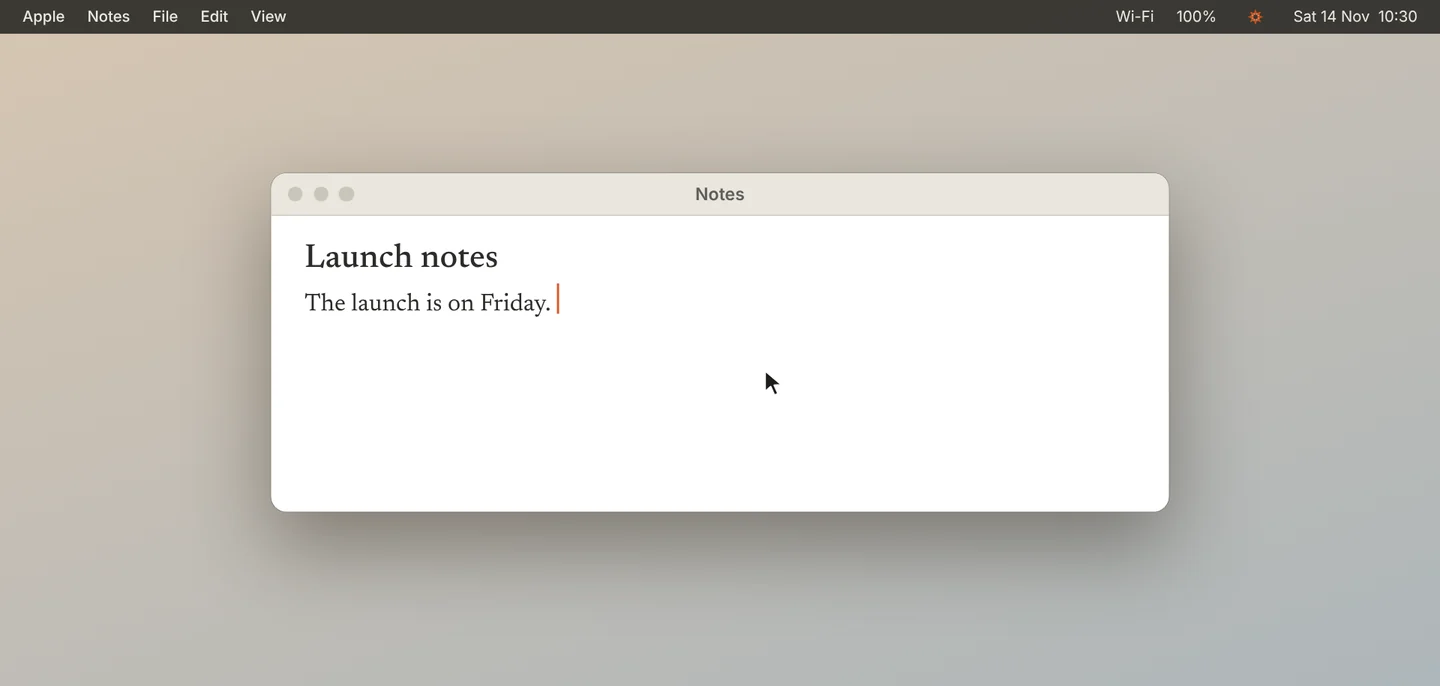
Click where you want the text
Click in any app, in the place where you want the text.
2
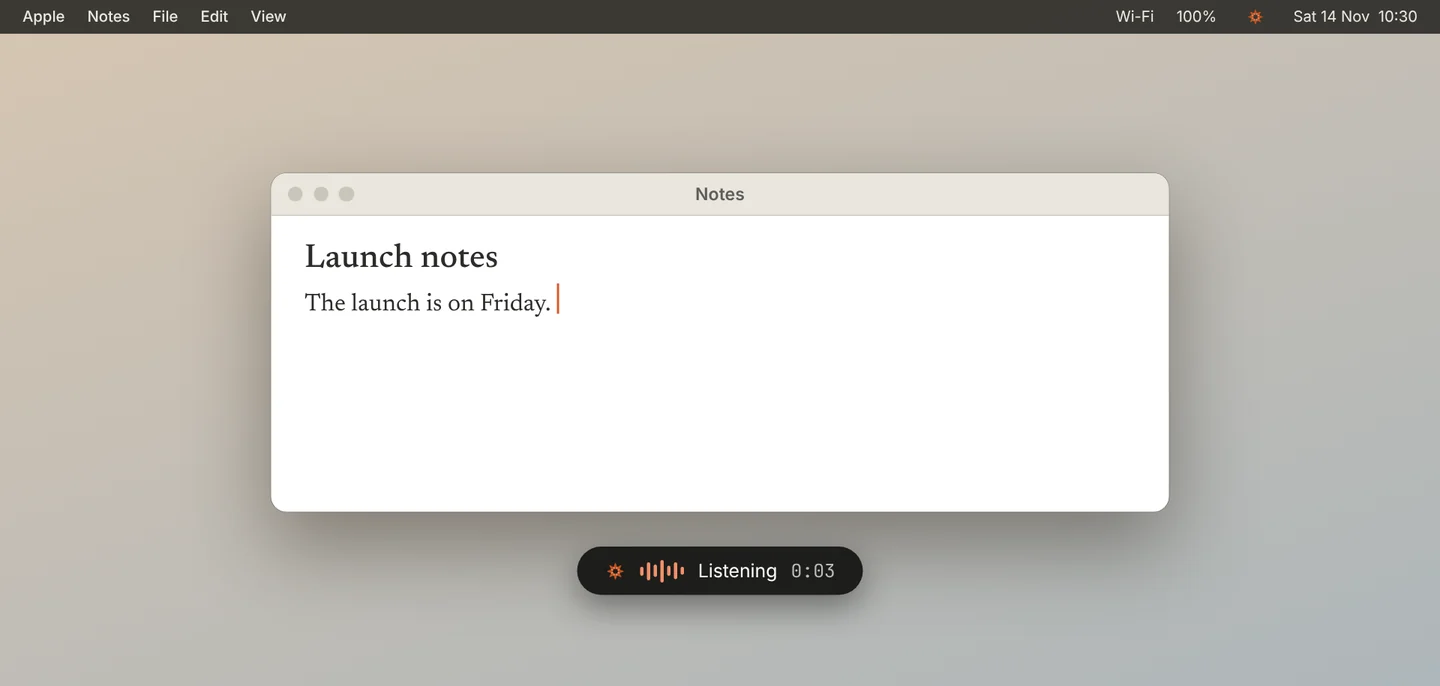
Hold the key and speak
Hold Right ⌘ and speak. A small bar at the bottom of the screen shows that Jiva is listening.
3
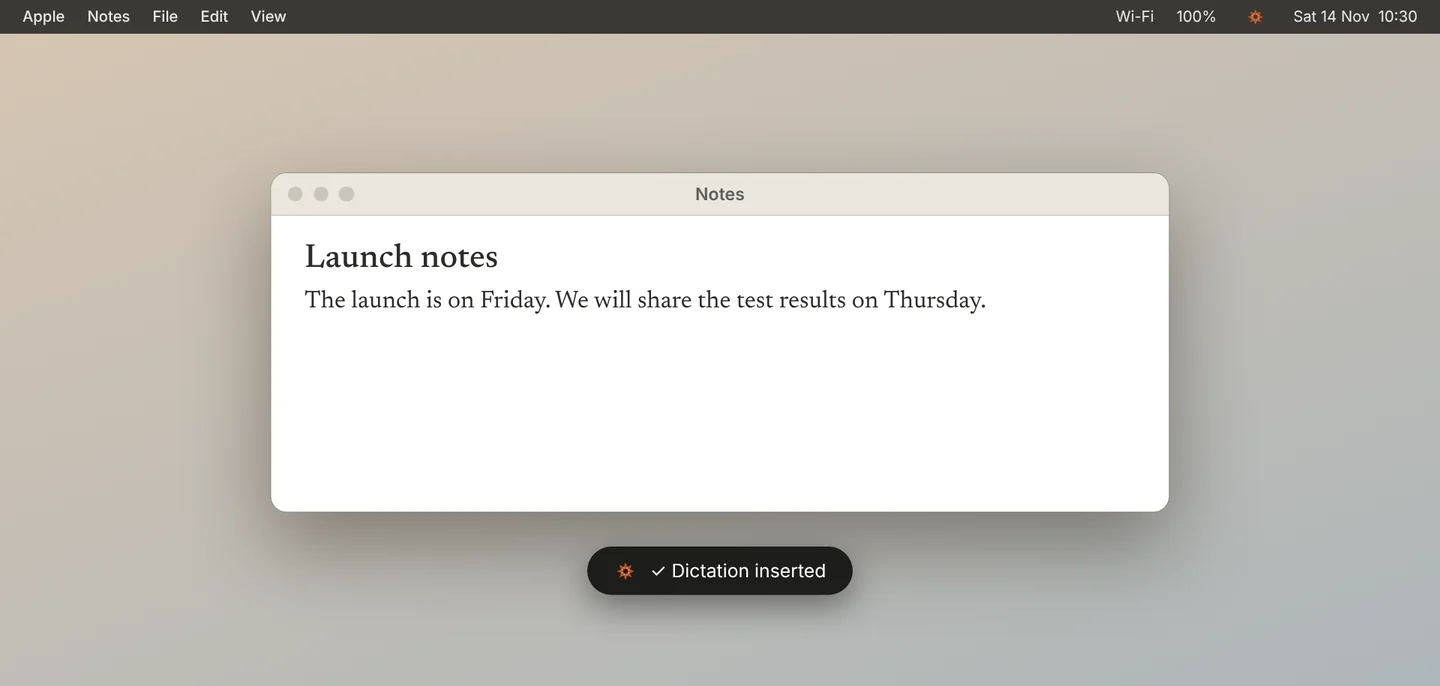
Release
Release the key. Jiva types what you said at your cursor.
4
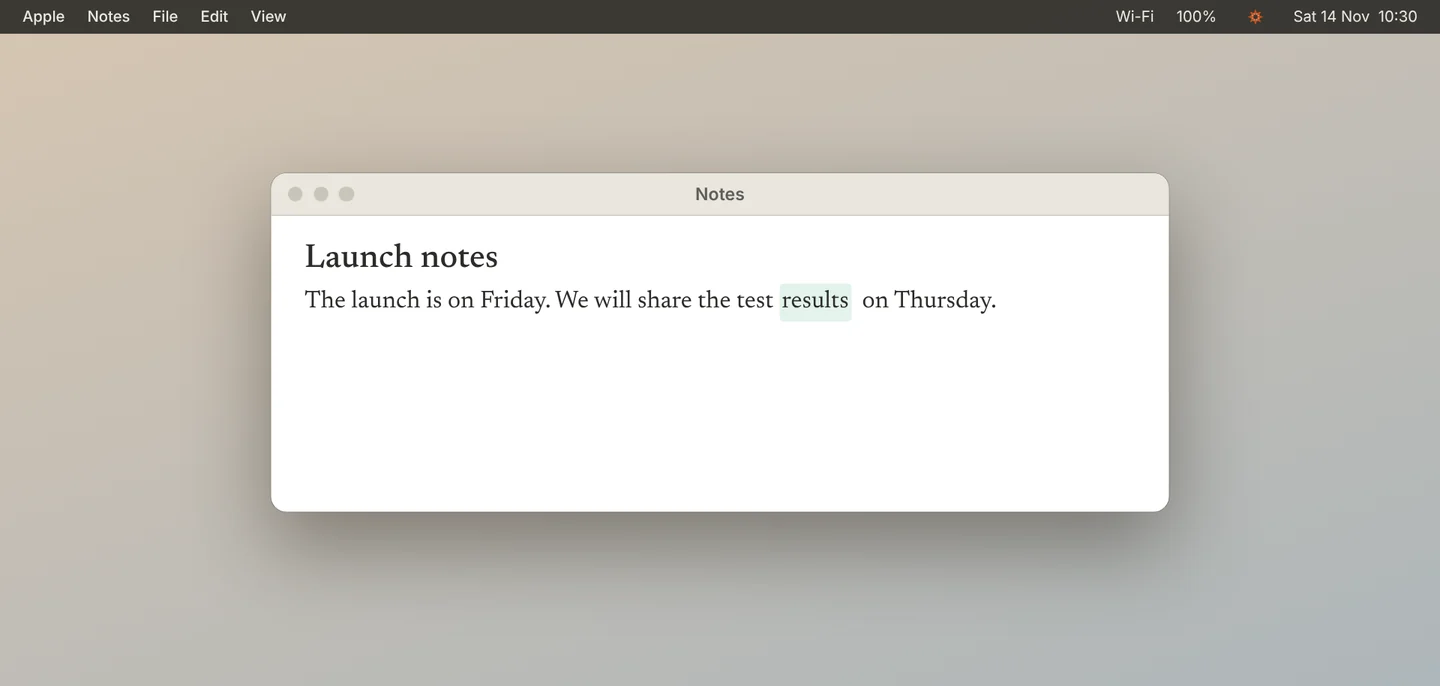
Fix a word, and Jiva learns
If Jiva misheard a word, correct it right away. When your fix sounds like the original word, Jiva remembers it and gets it right next time.
Good to know
Dictation runs on your Mac and its audio is never saved. A very short press is ignored.
If something goes wrong
Nothing happens when I hold the key
Check that Accessibility and Input Monitoring are granted in Settings, Permissions, then quit and reopen Jiva. Check that Dictation is on in Settings, Dictation.
The bar says “Didn’t catch that”
Jiva heard no speech. Hold the key a little longer and speak after the start sound.
The bar says “No sound from mic”
Check your microphone in System Settings, Sound, Input.