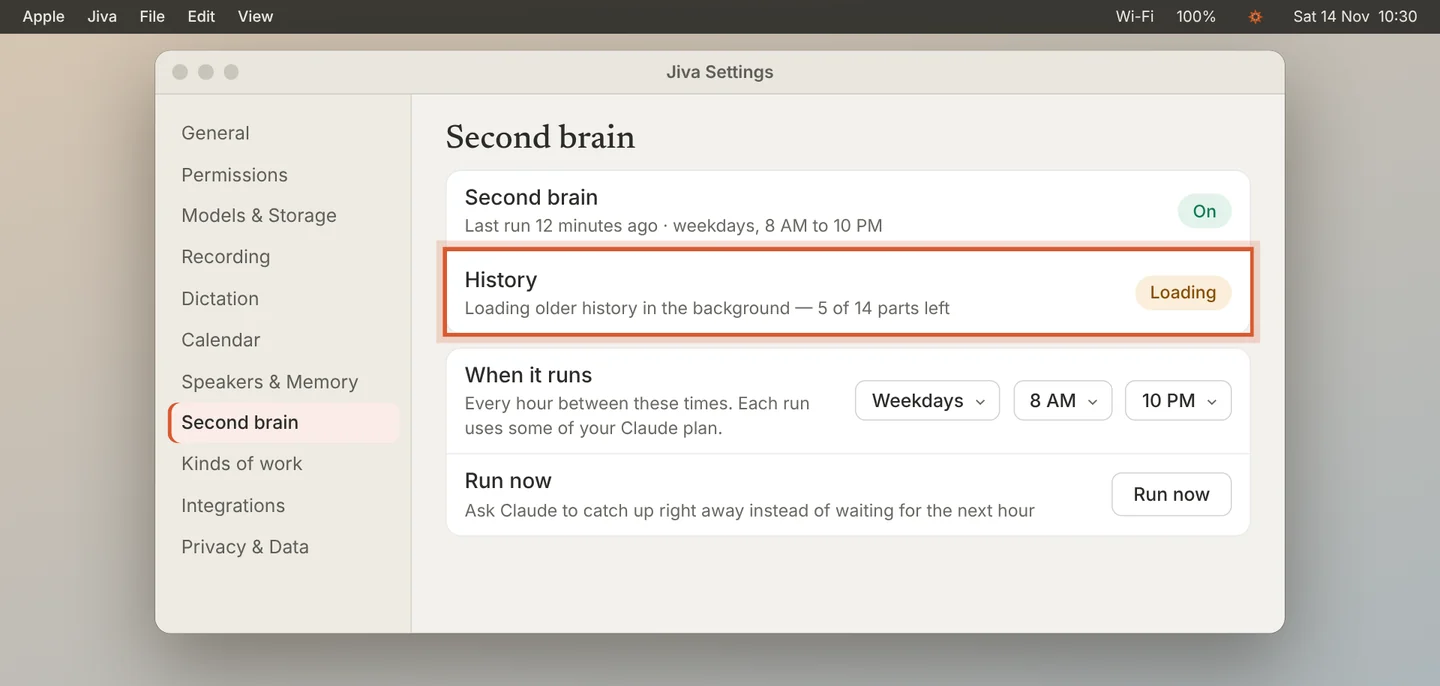
Let the history load
After you turn it on, Claude reads the last two weeks of your apps and meetings, in parts. History shows how many parts are left. You can use Jiva while it loads.
Know what an hourly run does
Every hour, Claude reads what is new in your apps and meetings. It updates the store, adds to-dos to your list with context, closes the ones it sees are done, and corrects names in your transcripts.
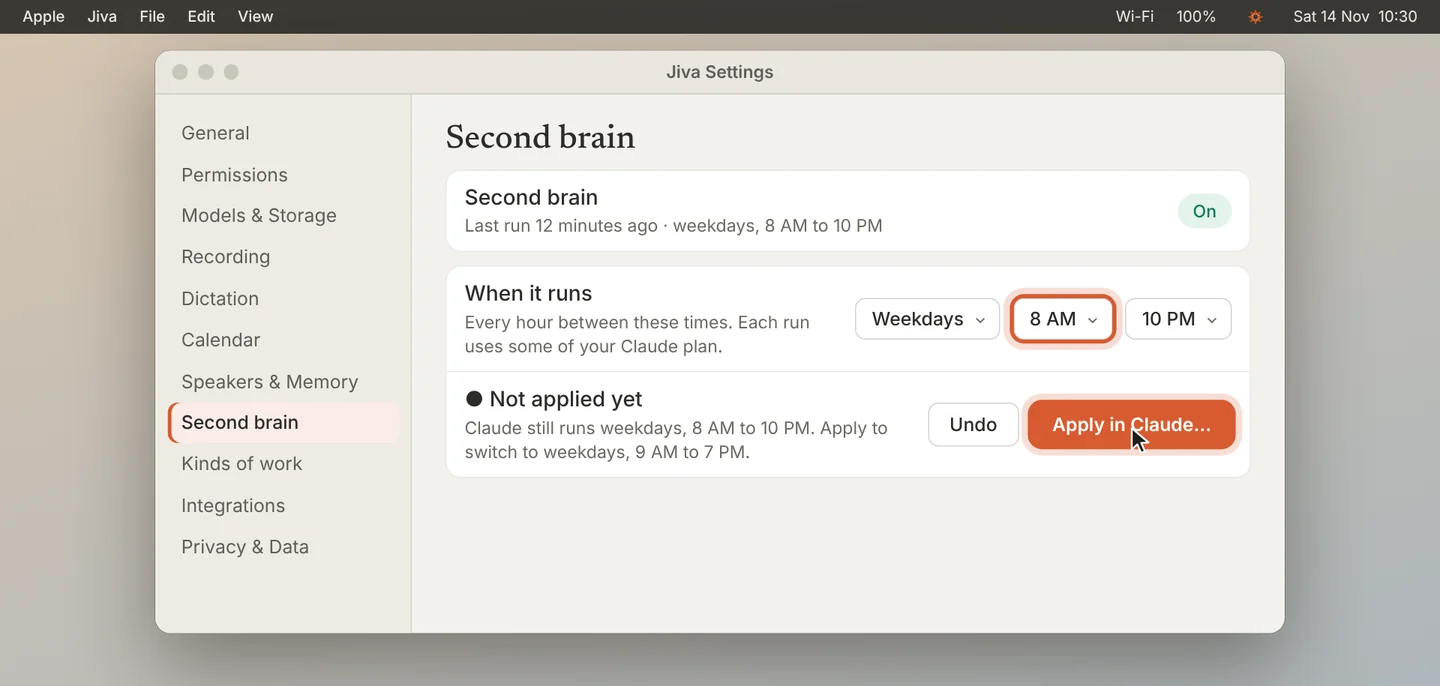
Choose when it runs
In Settings, Second brain, set the days and hours under When it runs. Click Apply in Claude… and press Send in Claude to confirm the change.
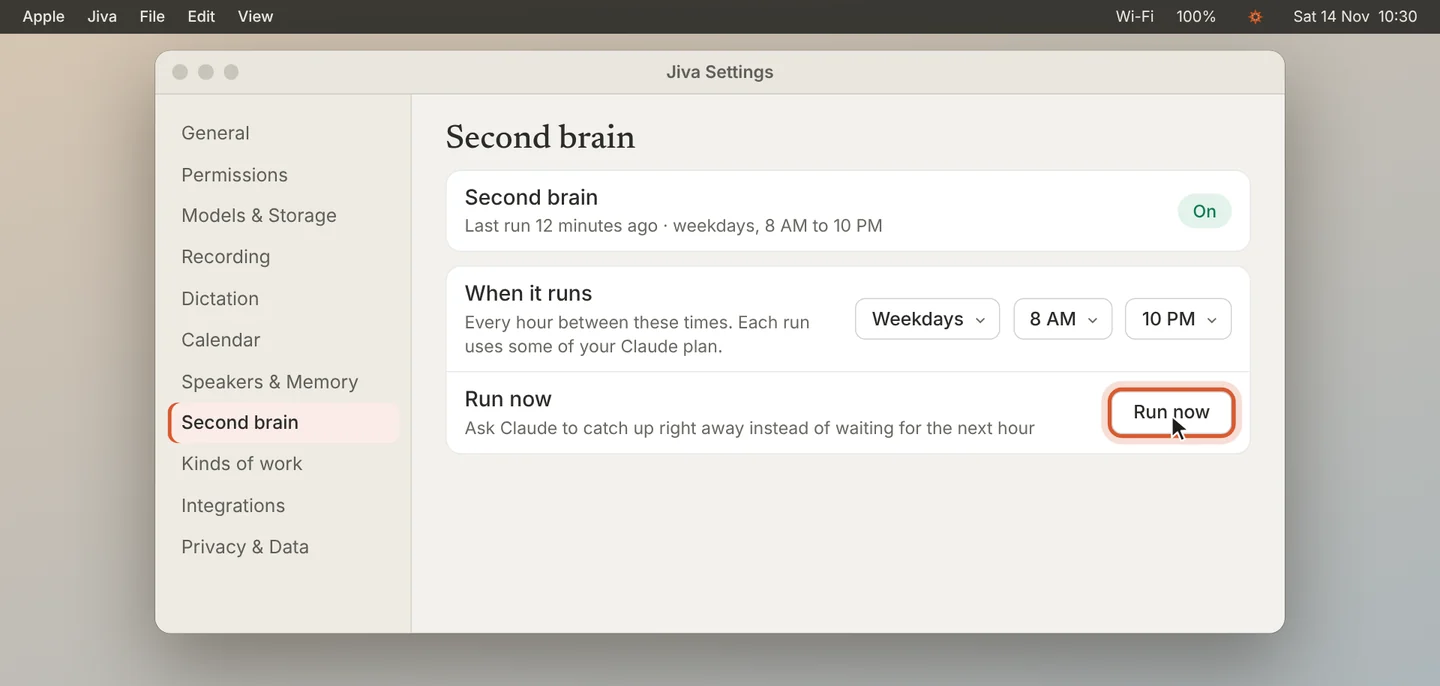
Run it now
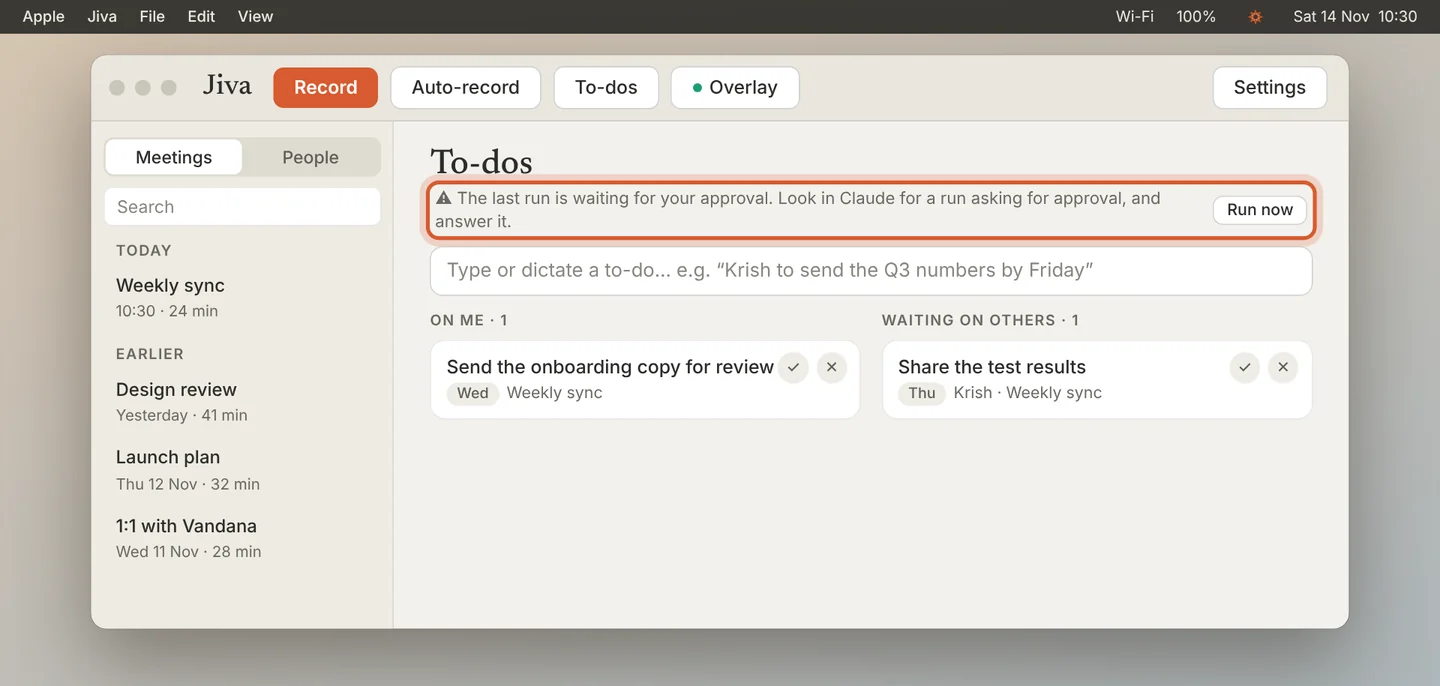
To catch up without waiting for the next hour, click Run now. Claude opens; press Send.
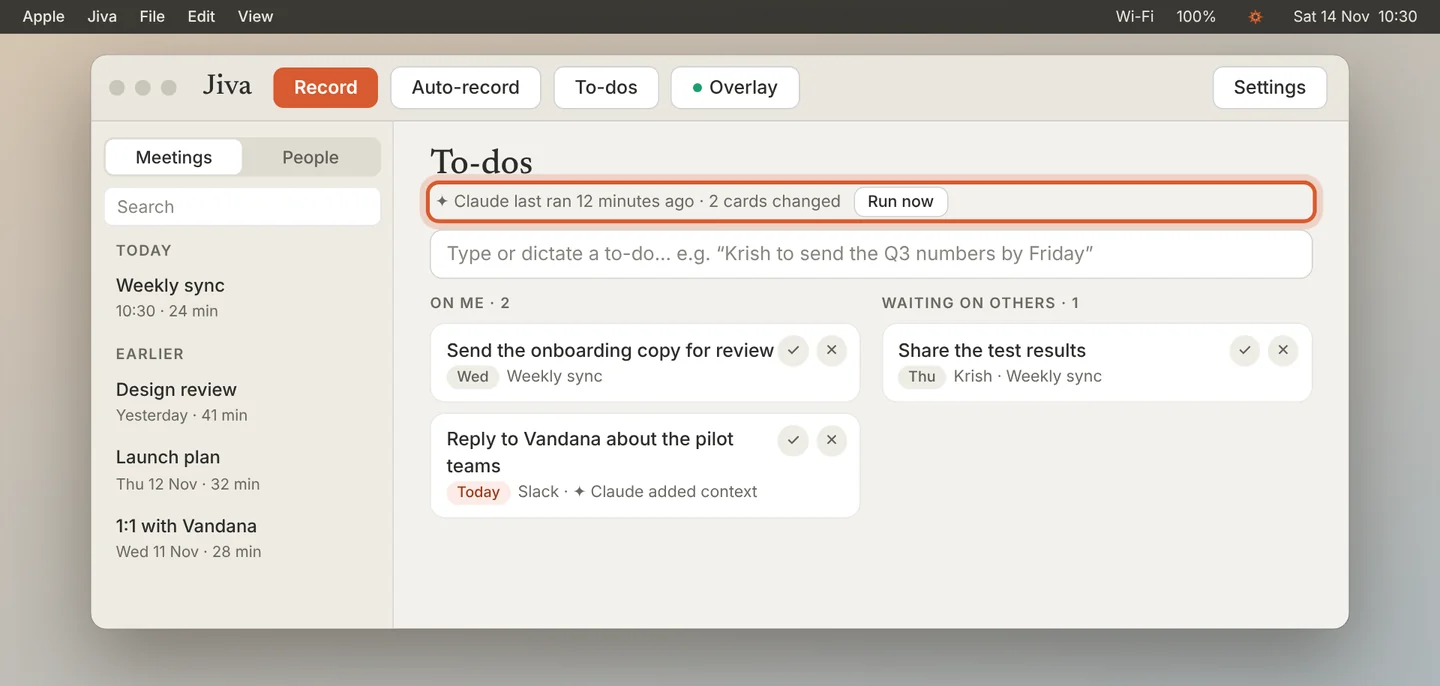
Check the last run
The line at the top of To-dos shows when Claude last ran and how many cards changed. If a run is waiting for your approval, is late, or could not finish, the line says so and tells you what to do.
Runs need this Mac to be awake and the Claude desktop app to be open. Each run uses some of your Claude plan. A run never sends, posts or replies anywhere.
If something goes wrong
The line says Claude needs a restart
Click Restart Claude. After a Jiva update, Claude must restart once to load the new tools.
A to-do or a mention was missed
Click Run now. If it is still missing, tell us which app it was in: write to ceo@jiva.works.