Wait for the reminder
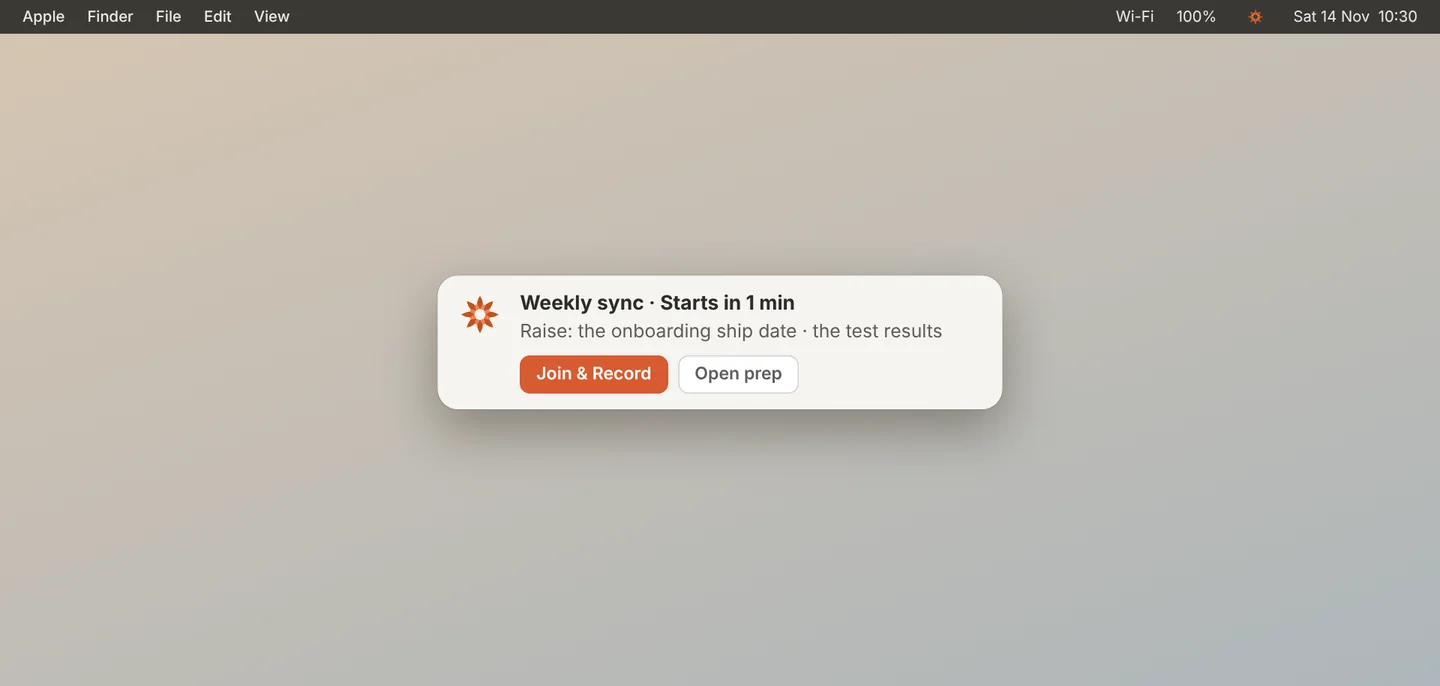
Just before a meeting starts, a reminder appears at the top right of your screen. It shows the time left and what to raise.
Click Join & Record
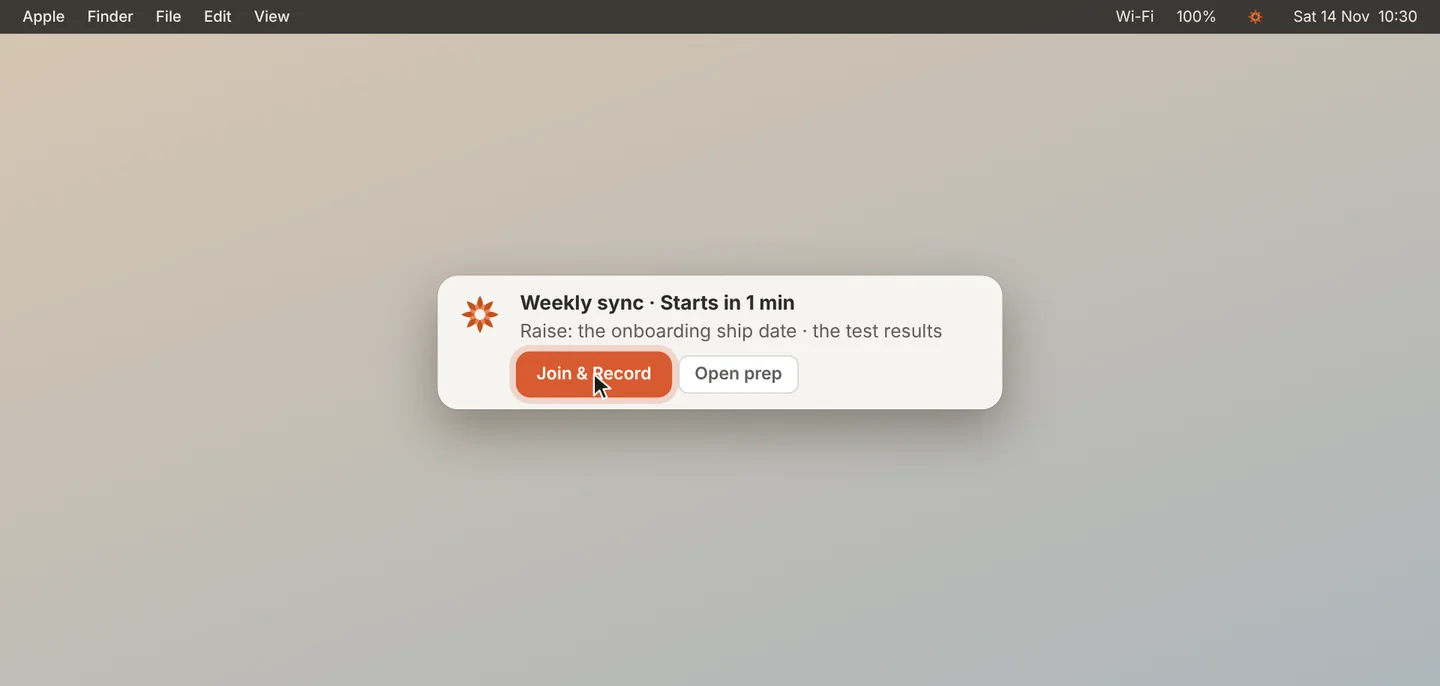
Click Join & Record. Jiva opens the call. If Auto-record is on, it also starts recording. Click Open prep to read your prep first.
Choose when it appears
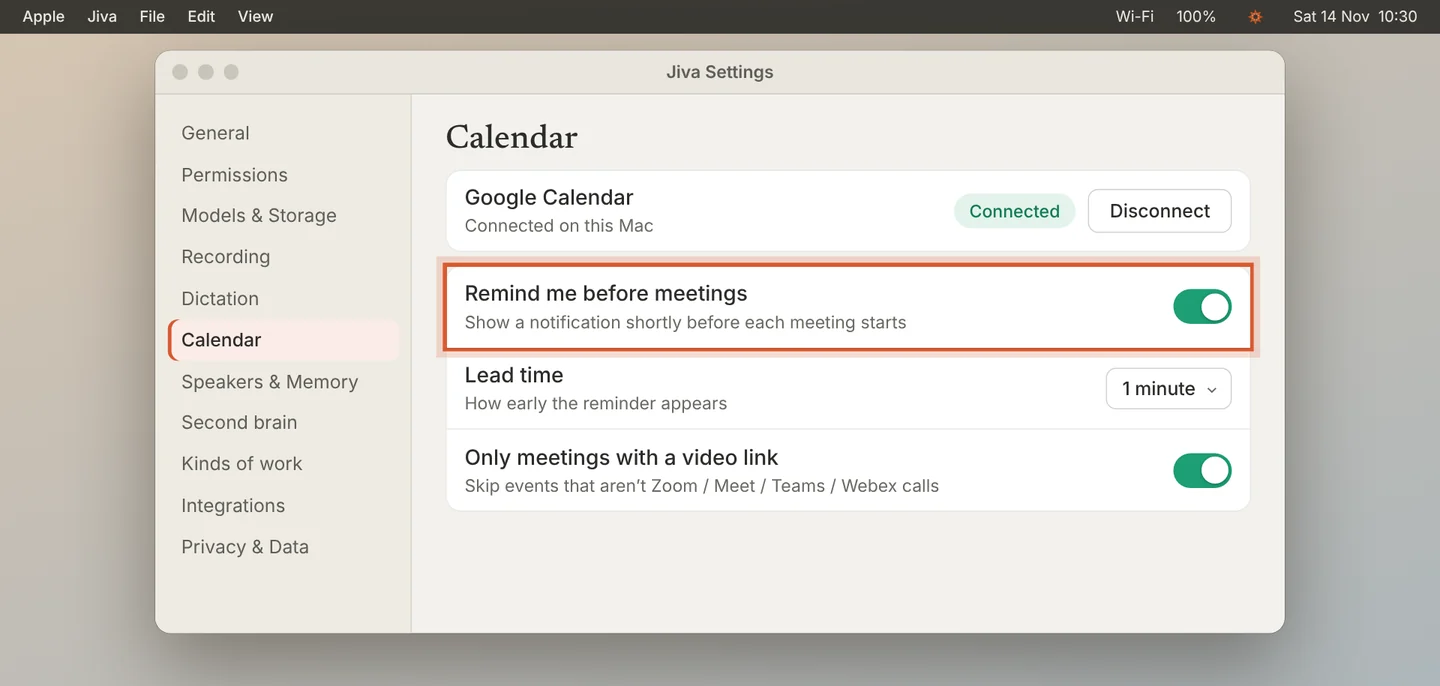
Open Settings, then Calendar. Turn reminders on or off, set the Lead time, and choose whether to skip events with no video link.
Make the reminder stay on screen
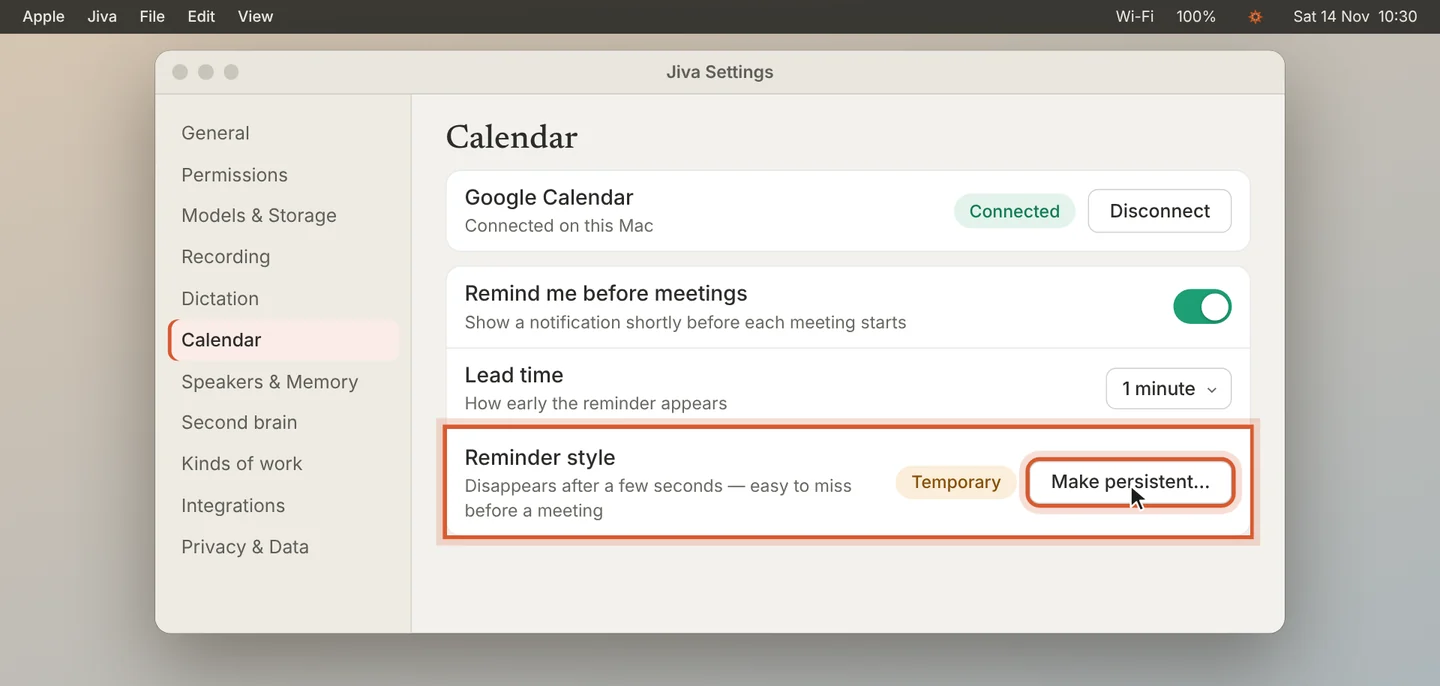
If Reminder style says Temporary, the reminder disappears after a few seconds. Click Make persistent…. In the macOS settings that open, set Jiva’s notifications to stay on screen.
Join & Record starts a recording only when Auto-record is on. With Auto-record off, it opens the call and you click Record.
If something goes wrong
No reminders appear
Check that Google Calendar shows Connected and that Remind me before meetings is on. If Reminder style says Off, click Turn on… to allow Jiva’s notifications in macOS.