Open People
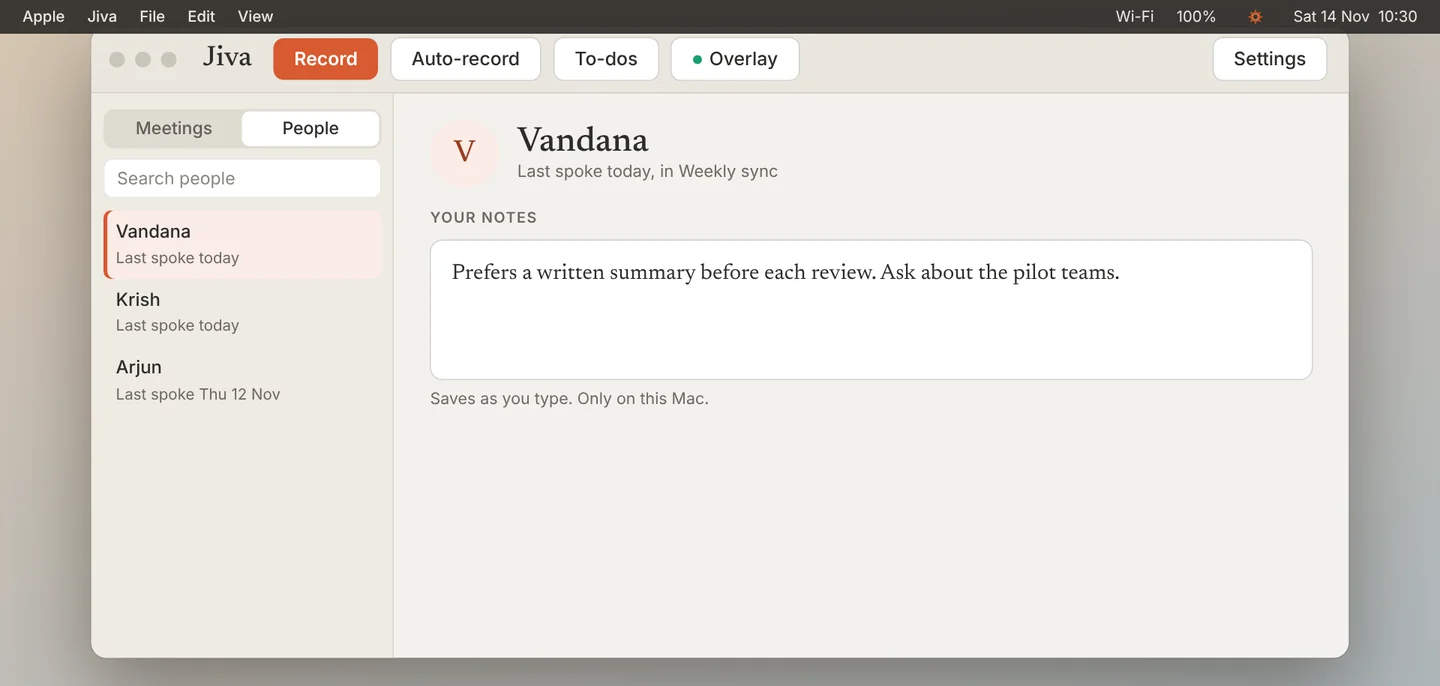
In the Jiva window, switch the list from Meetings to People. Click a person.
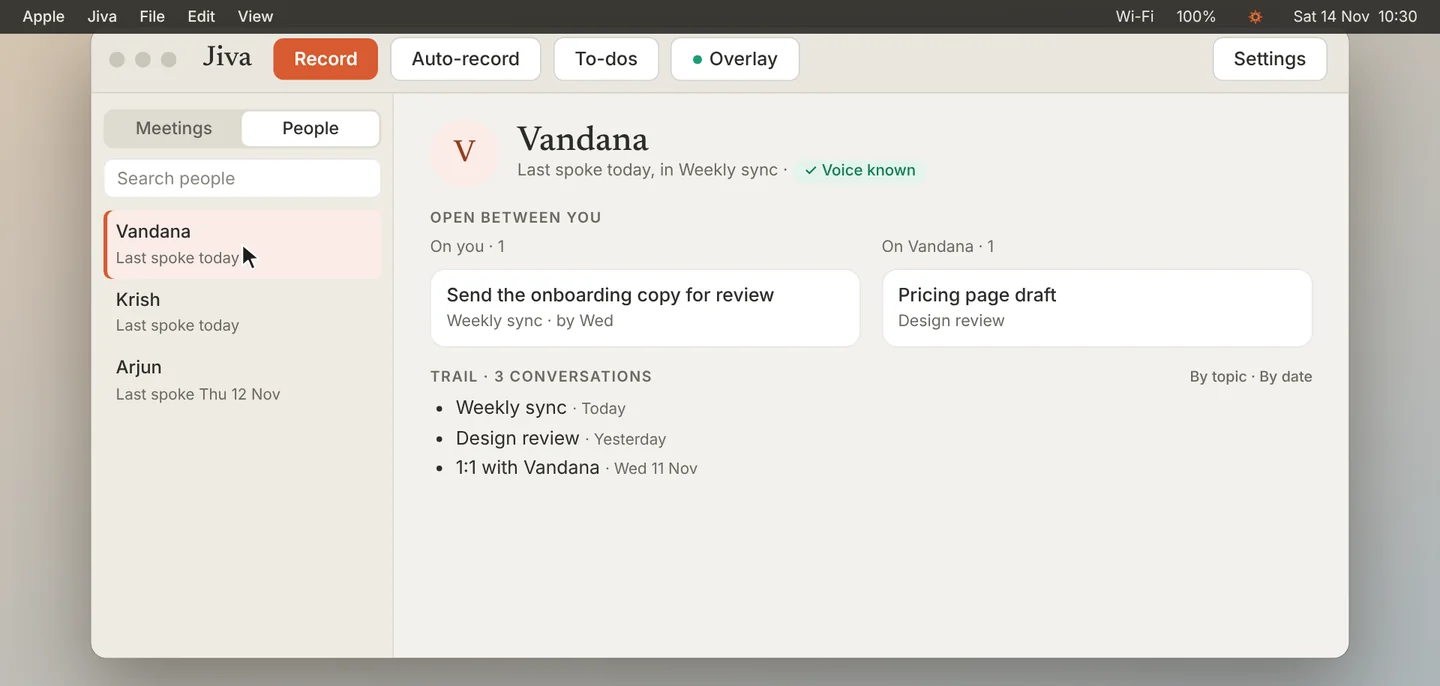
See when you last spoke
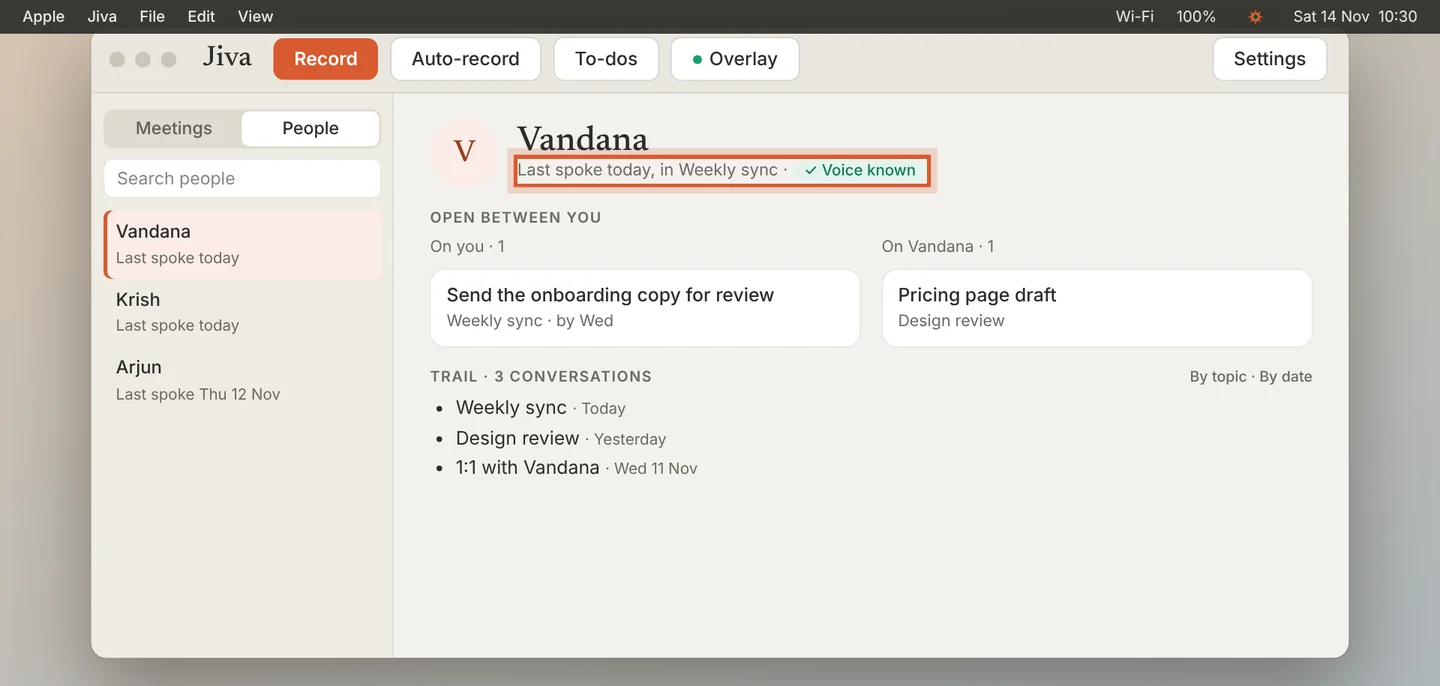
The top of the page shows when you last spoke and in which meeting. Voice known means Jiva recognises this person’s voice.
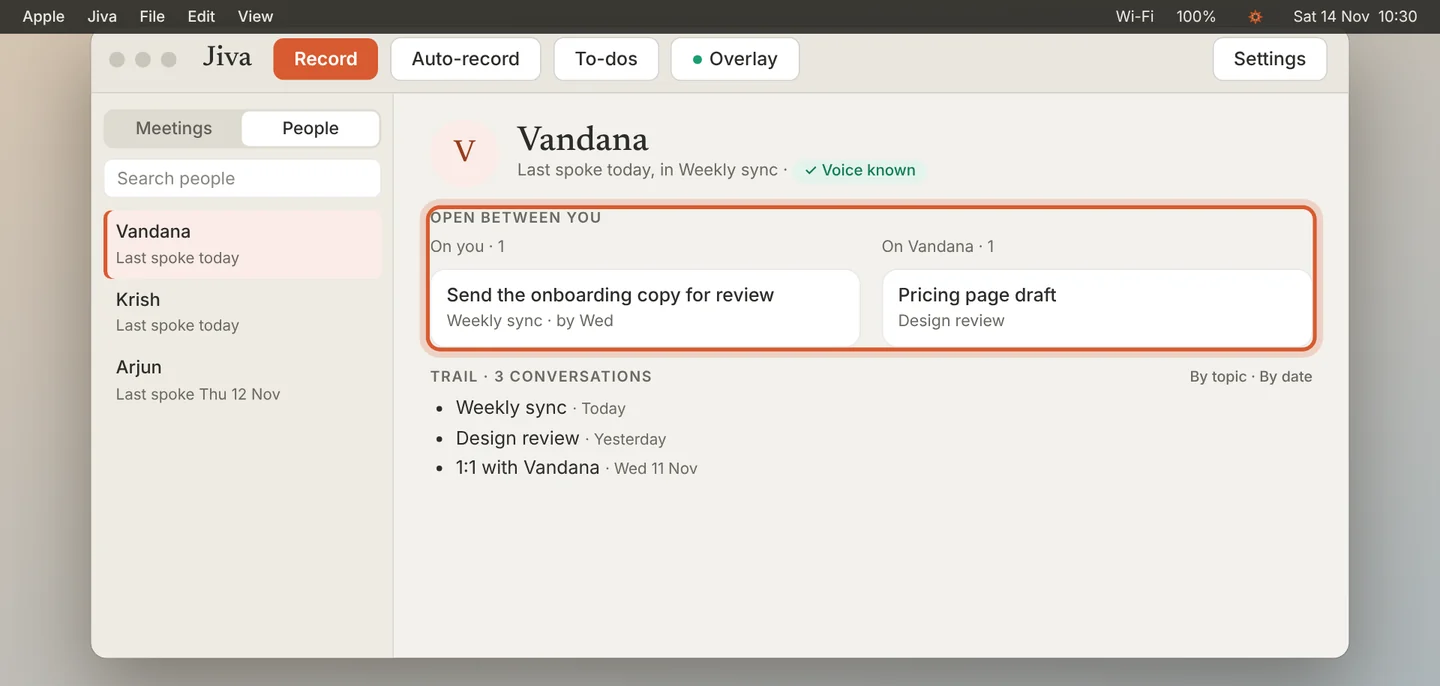
Check what is open
Open between you lists what you owe this person and what they owe you. These are the same items as on your To-dos page.
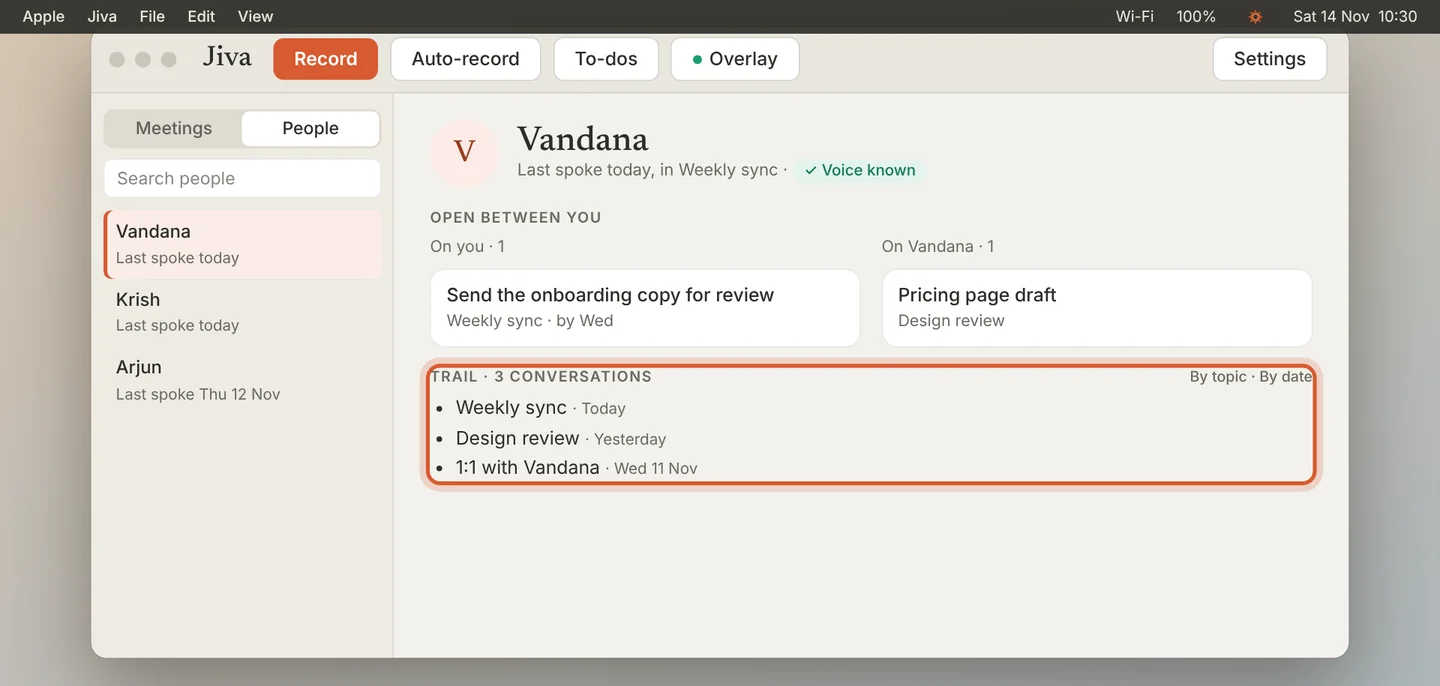
Read the trail
Trail lists every conversation with this person. Switch between By topic and By date. Click a line to open that meeting.
Keep your own notes
Type in Your notes on the page. Notes save as you type. They stay on this Mac.
People appear after your first finalized meeting. With the optional second brain, the page also shows messages from your chat and email; without it, the page is built from your meetings only.
If something goes wrong
Something in the list is not a person
Open it and click Not a person? Hide from People at the bottom of the page.
A person appears twice
One of them is probably a voice with no name. Open it and give it the same name.