Correct a word after dictating
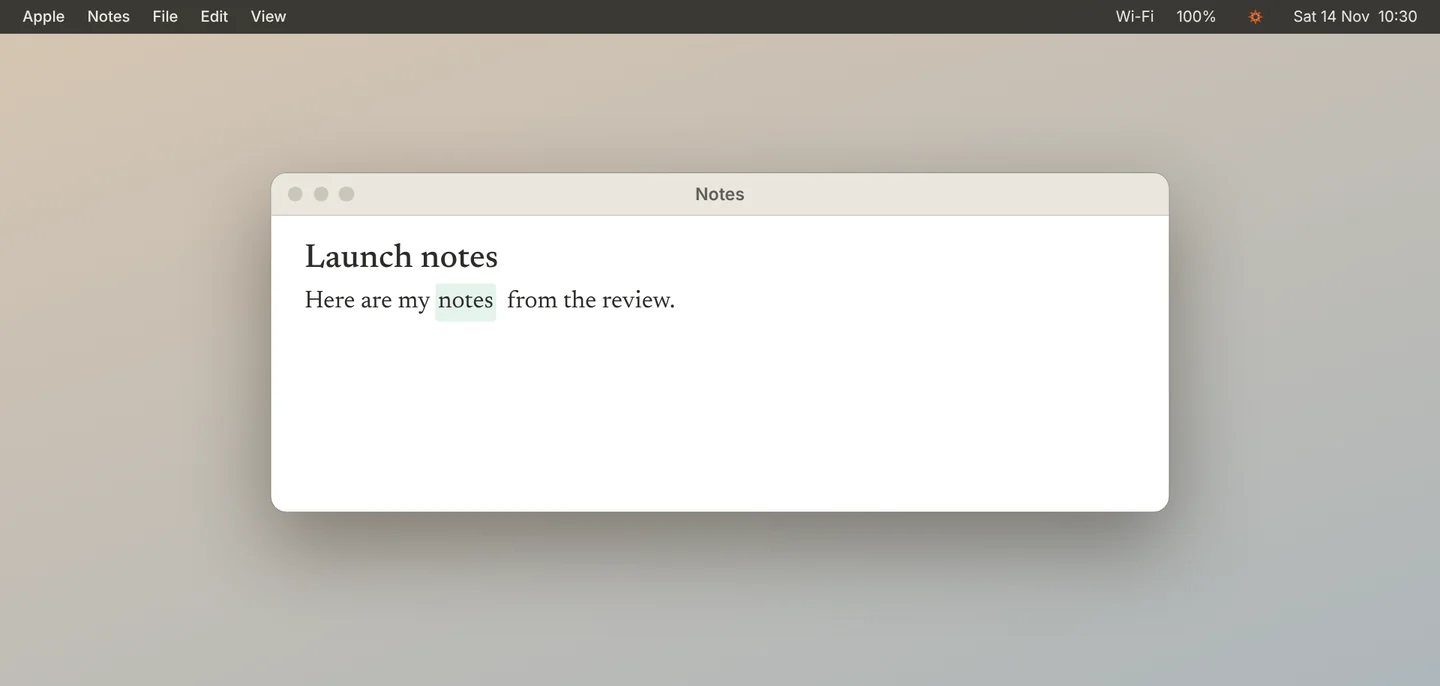
When Jiva mishears a word in dictation, correct it right away. If the fix is one word that sounds like the original, Jiva remembers it. Ordinary edits do not change anything.
Review what Jiva learned
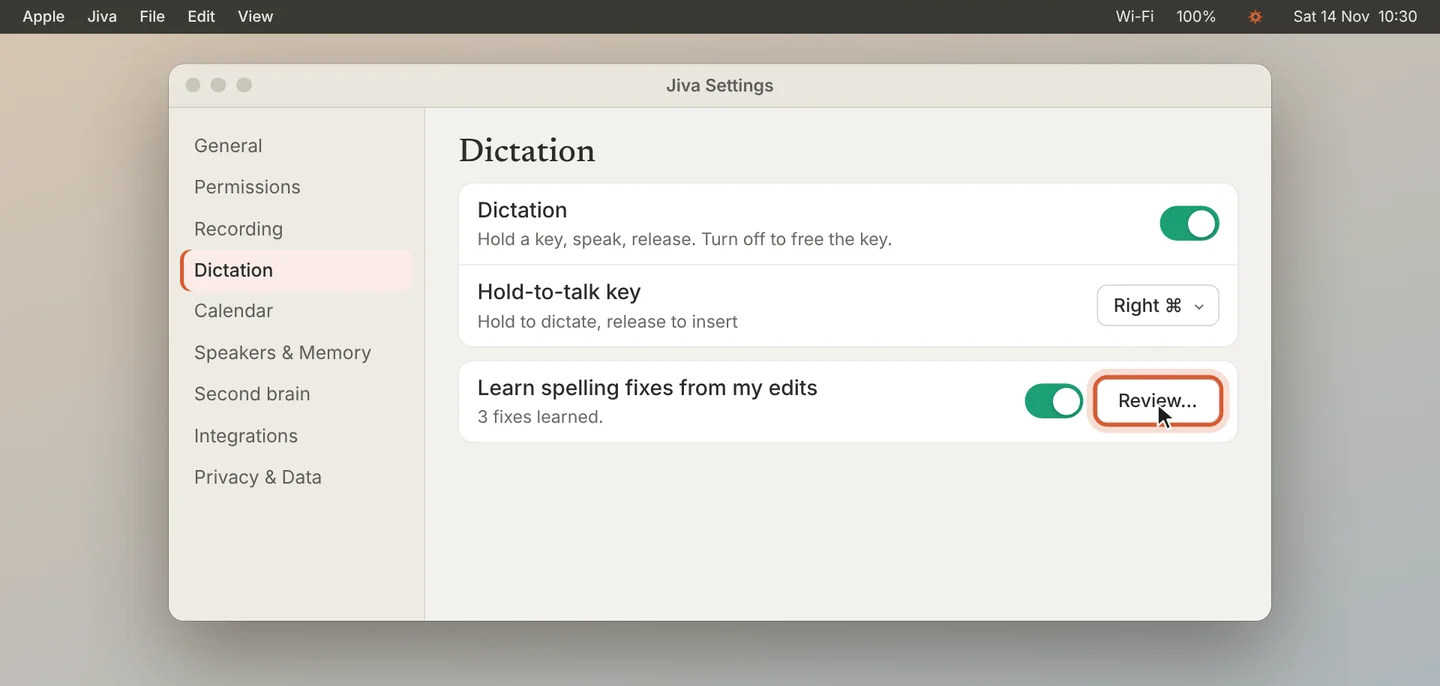
Open Settings, then Dictation, and click Review… next to Learn spelling fixes from my edits.
Edit or delete a fix
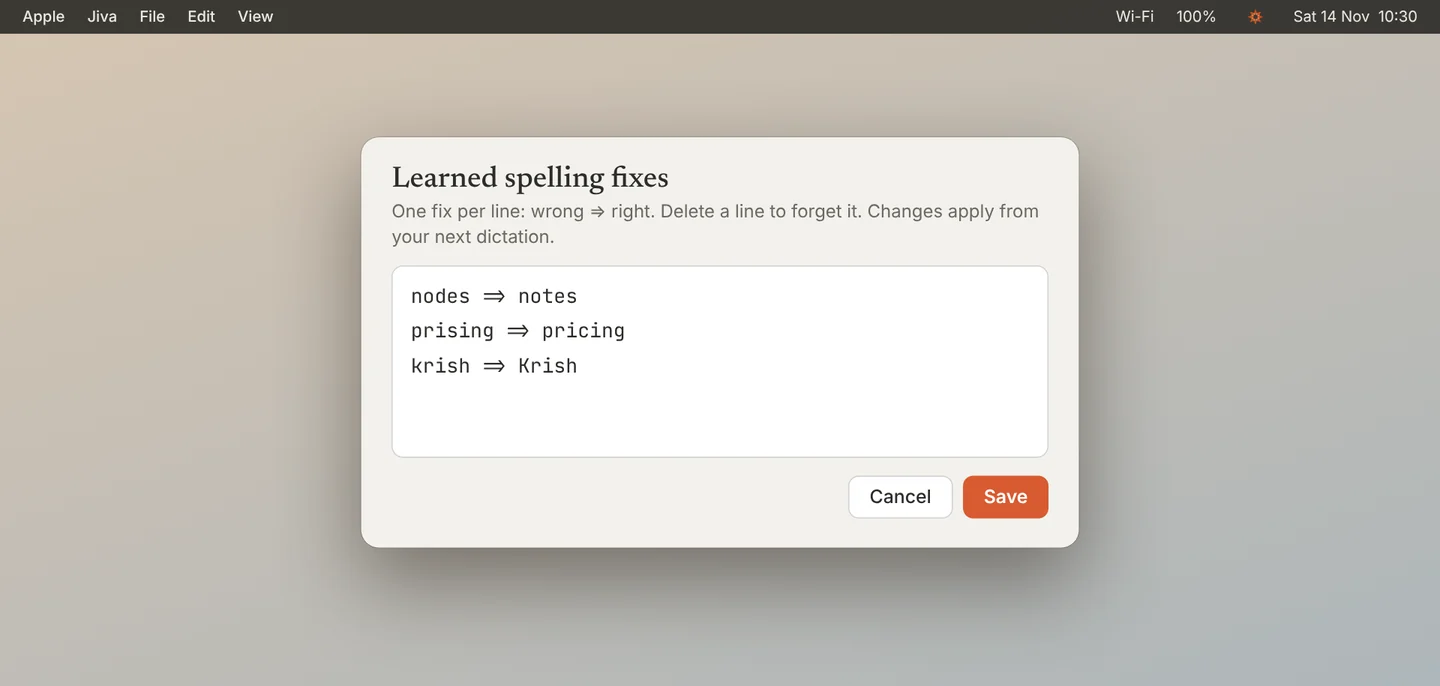
Each line is one fix, written wrong => right. Delete a line to make Jiva forget it. Click Save. Changes apply from your next dictation.
Add names and terms to the glossary
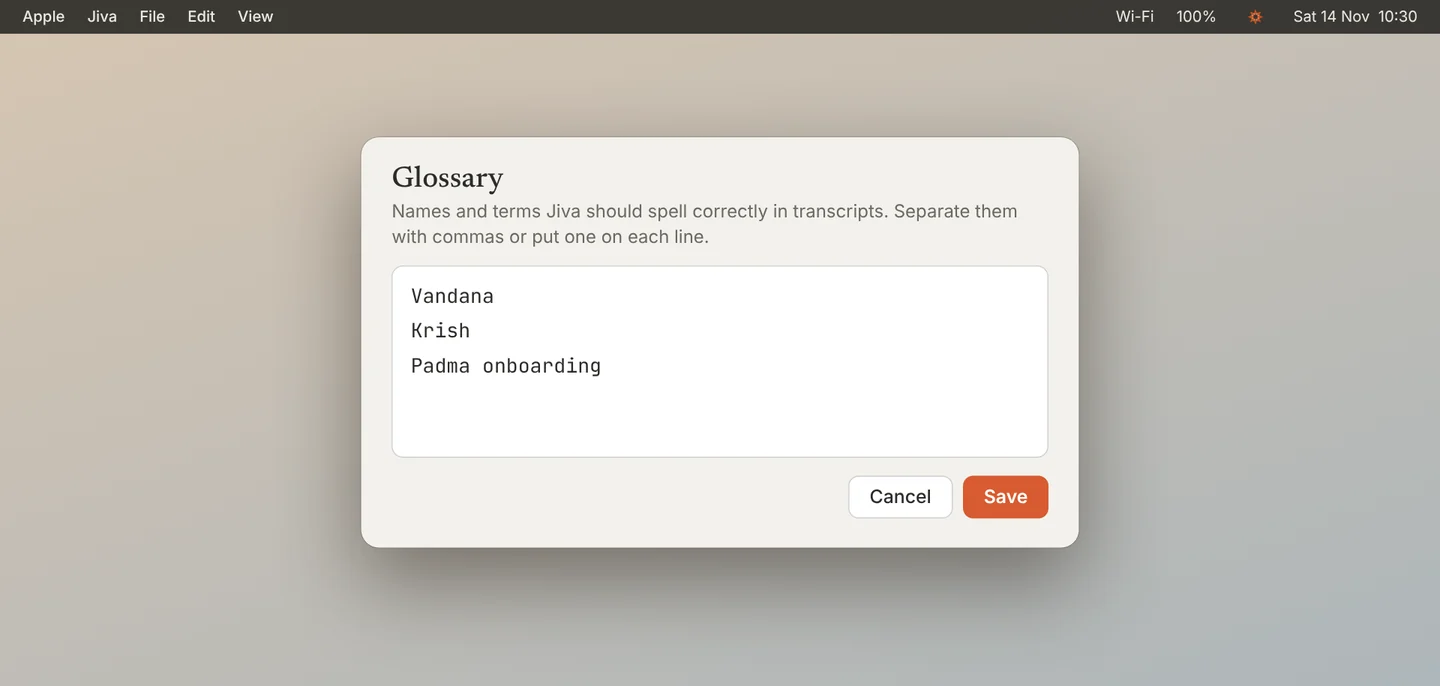
For meetings, open Settings, then Speakers & Memory, and click Edit… next to Glossary. Add the names and terms Jiva must spell correctly, separated by commas or one on each line. Jiva uses them from your next meeting.
To stop Jiva learning from your edits, turn off Learn spelling fixes from my edits. The fixes and the glossary are files on your Mac.
If something goes wrong
Jiva did not learn my correction
It learns only a single word that sounds like the one it wrote, corrected right after you dictate. For anything else, add the line yourself under Review….