1
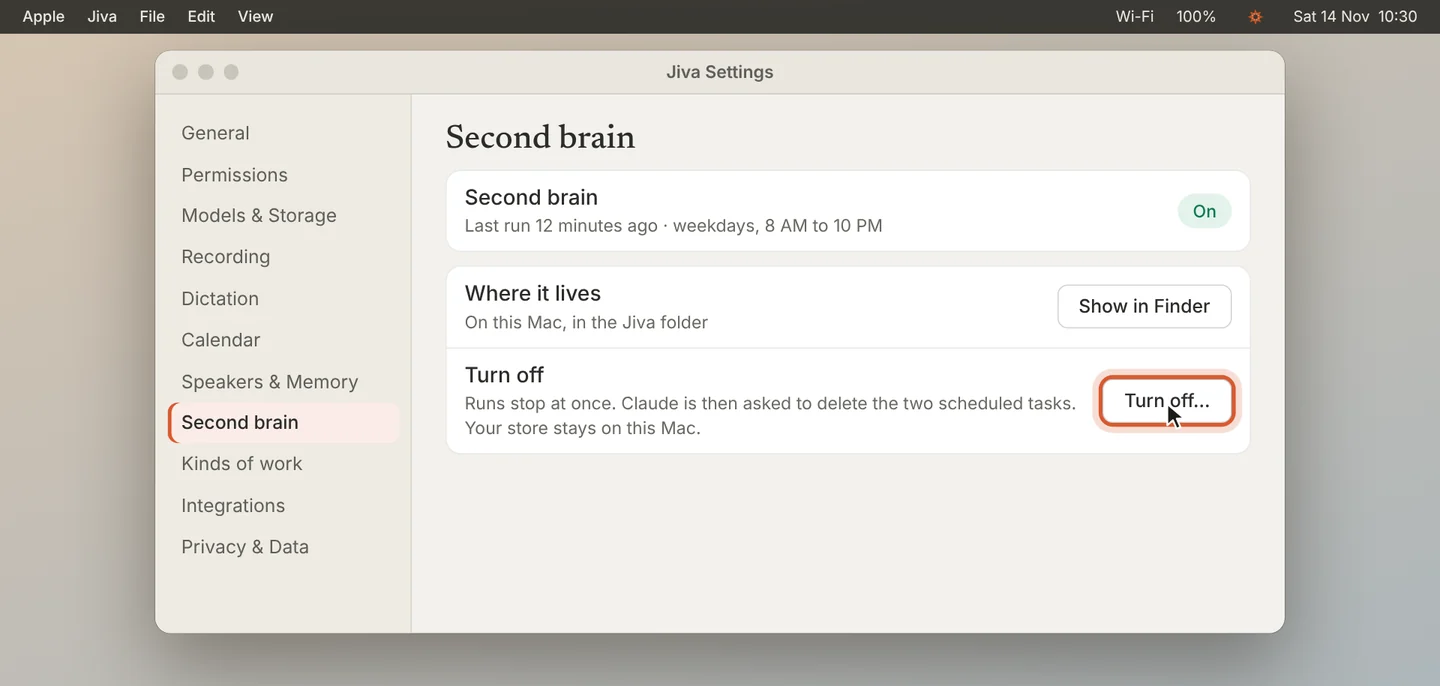
Click Turn off
Open Settings, then Second brain, and click Turn off…. Runs stop at once.
2
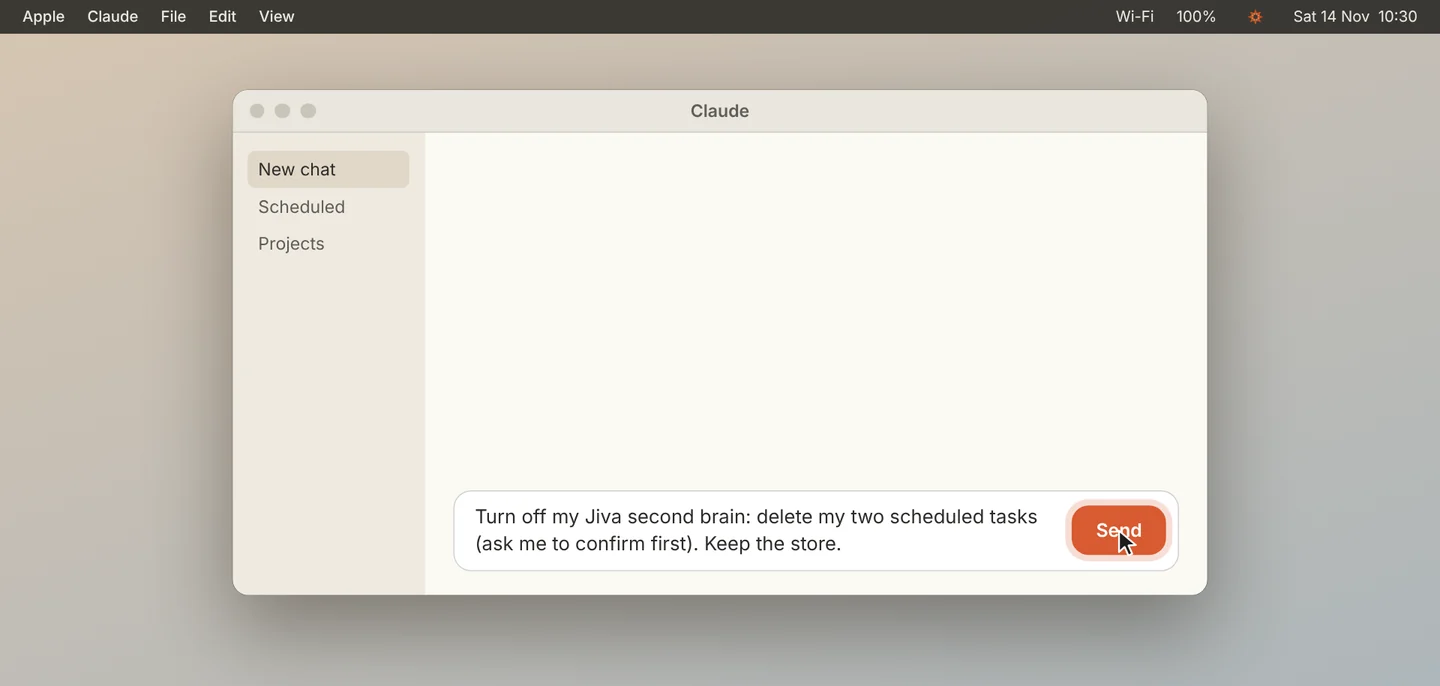
Let Claude remove its tasks
Claude opens and asks to delete its two scheduled tasks. Press Send, then confirm.
3
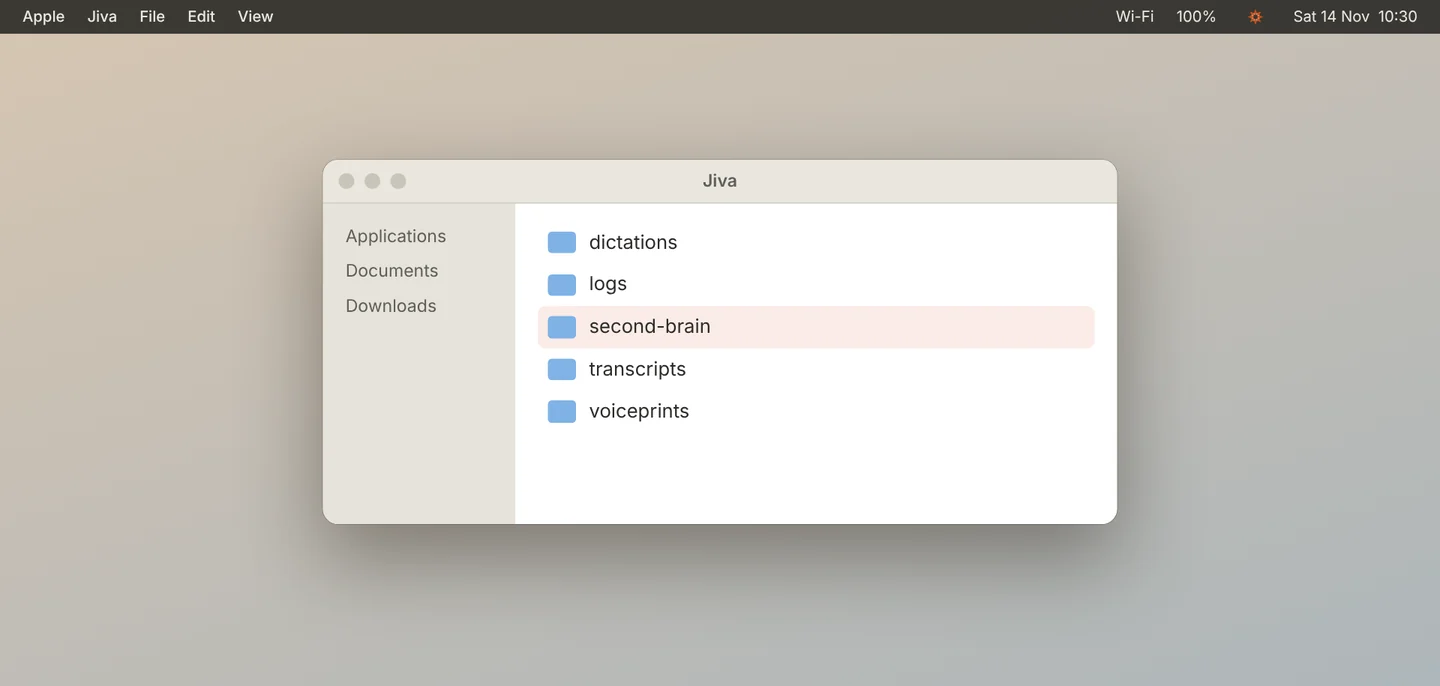
Keep or remove the store
The store stays on your Mac. To see it, click Show in Finder next to Where it lives. Delete that folder if you also want the store gone.
Good to know
Recording, transcripts, to-dos and dictation keep working. To-dos Claude added stay on your list.
If something goes wrong
Claude still runs
Open Claude, go to its scheduled tasks, and delete the two named “Jiva second brain”.