Know what never leaves
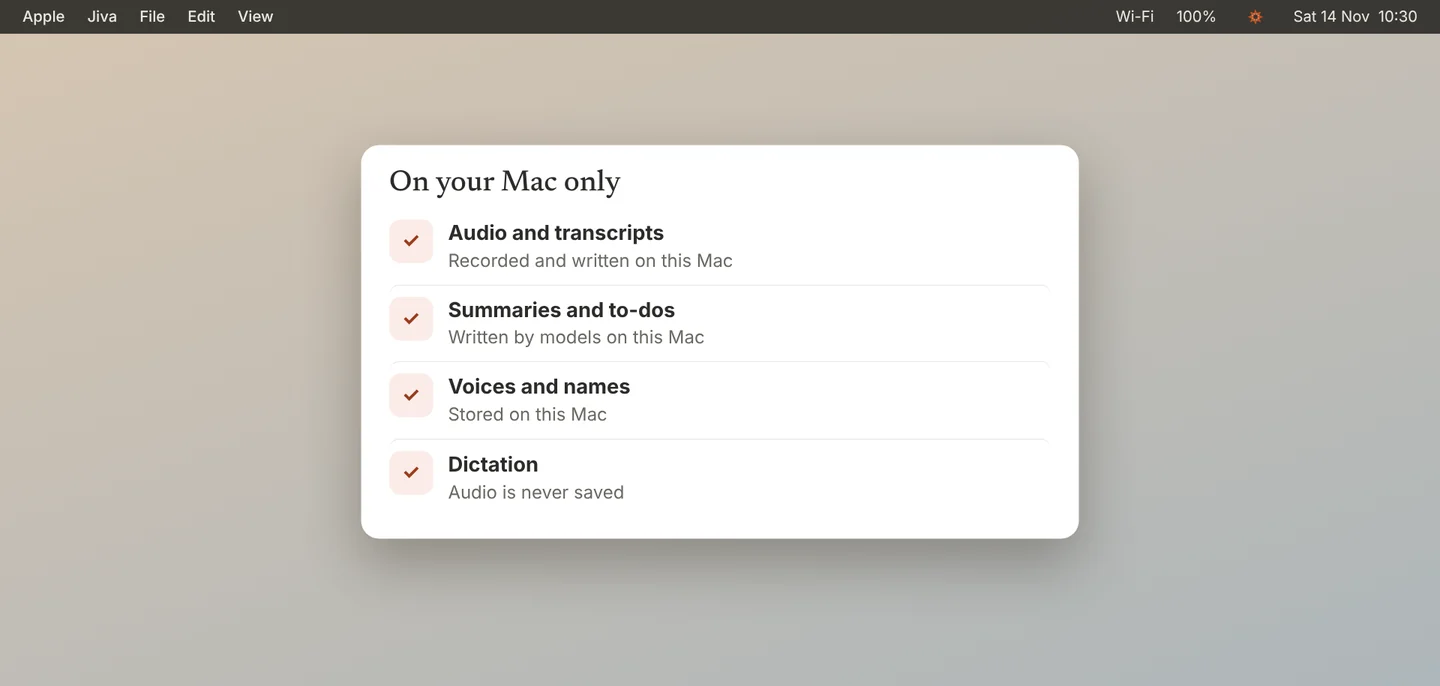
Recording, transcripts, summaries, speaker memory, search, to-dos and dictation all run on your Mac. Your audio and notes are not uploaded. There is no account.
Know what Jiva checks by itself
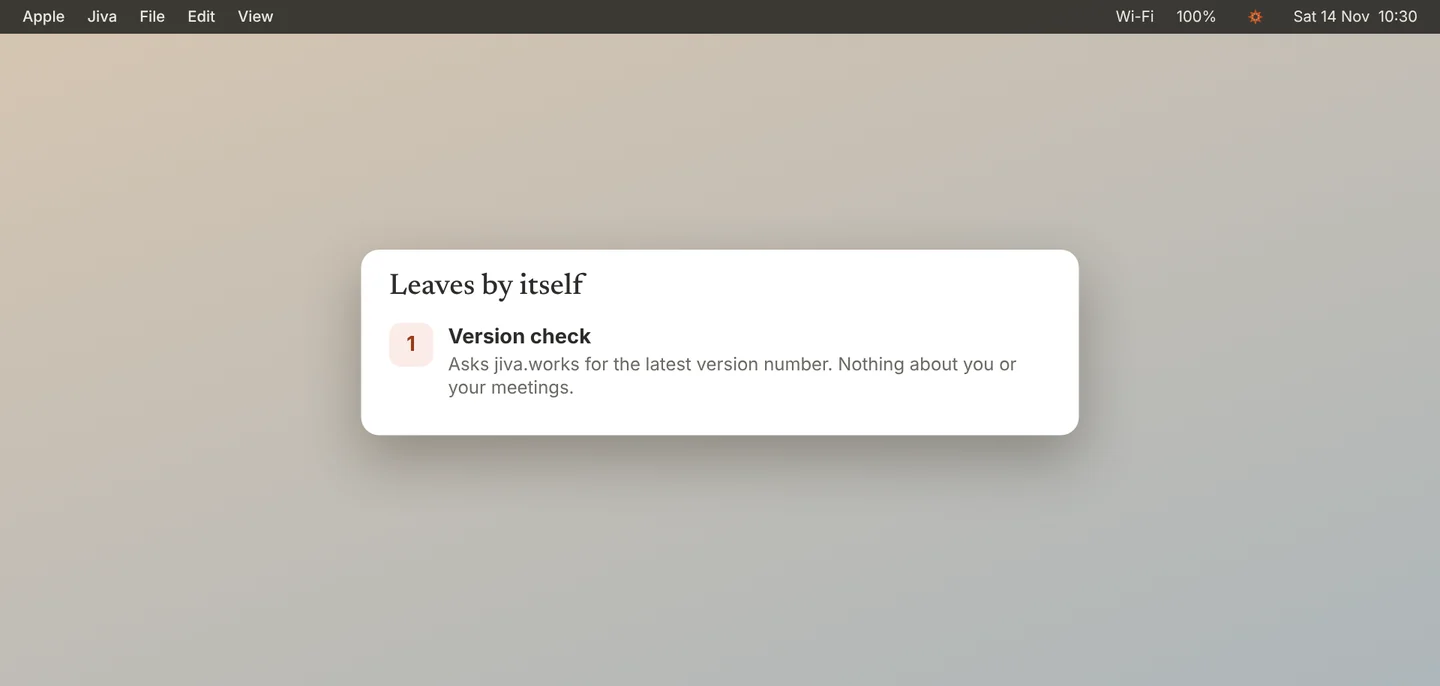
One thing leaves by itself: a small check for the latest version number. You can turn it off in Settings, General, Automatic updates.
Know what the optional features send
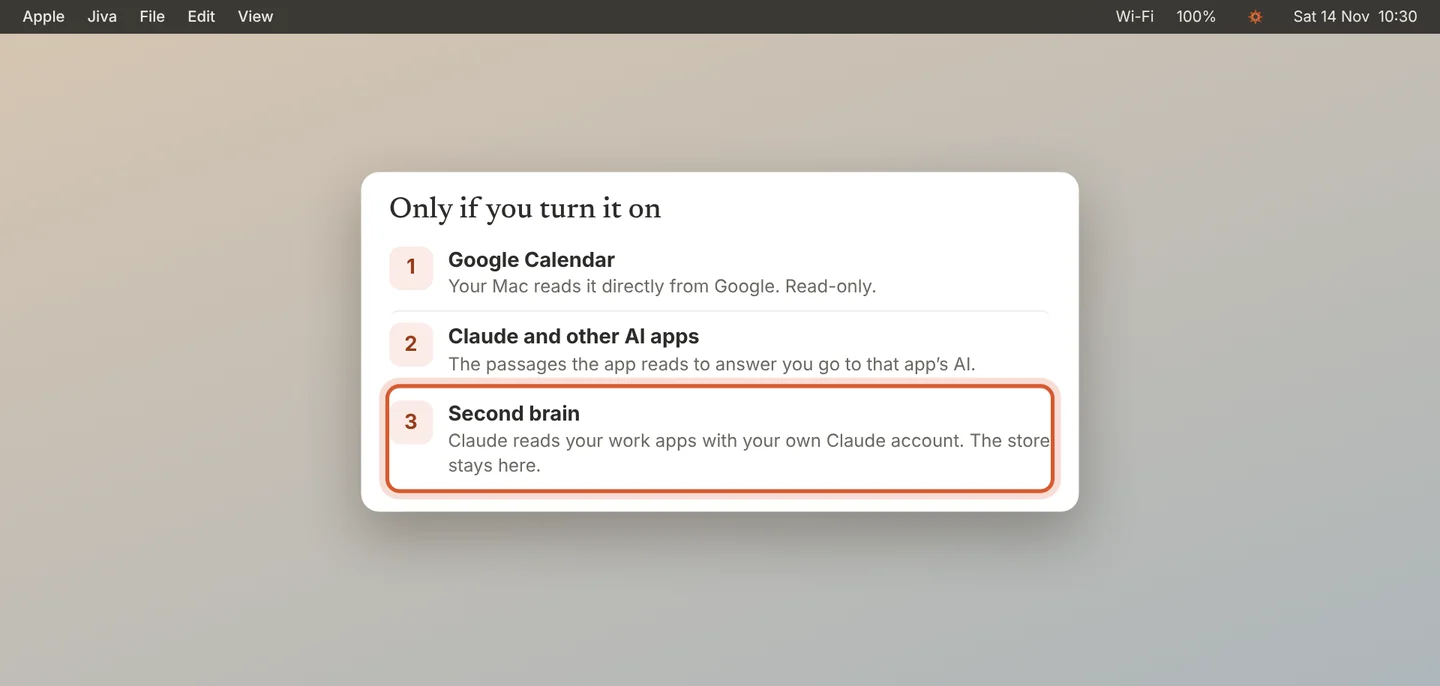
Google Calendar: your Mac reads your calendar directly from Google. Nothing goes to Jiva.
Claude and other AI apps: when you ask a question, the parts of a meeting the app reads are sent to that app’s AI.
Second brain: Claude reads your work apps through your own Claude account. The store it keeps stays on your Mac.
Remember what Jiva never does
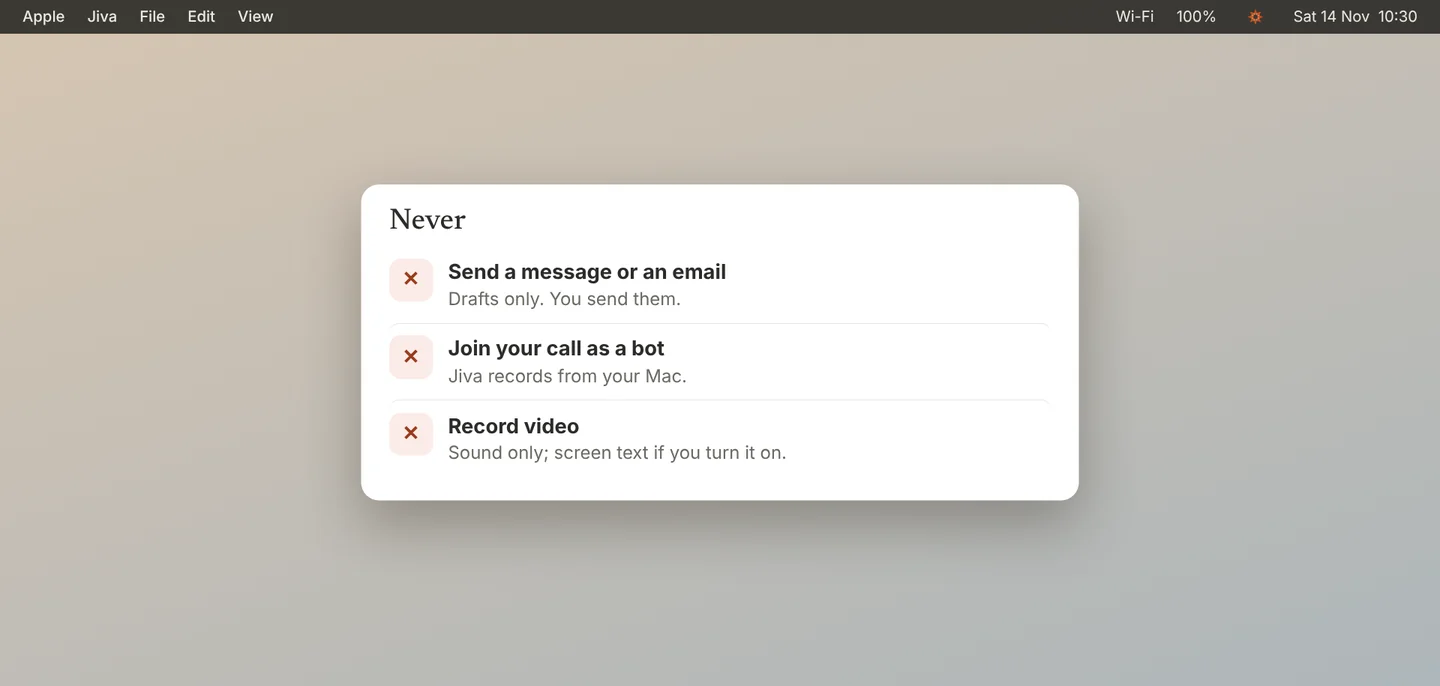
Jiva never sends, posts or replies for you. Reply with context and Claude’s drafts stop at a draft; you send it.
The full policy is at jiva.works/privacy.
Common questions
Does Jiva work offline?
Yes. After the first model download, recording, transcripts, summaries and dictation work with no internet.
Can Jiva’s makers read my meetings?
No. They are not uploaded, so there is nothing to read.